WordPress alternatives for small businesses: Builders vs. custom code
WordPress alternatives for small businesses: how site builders compare with custom code, what each costs you in control and upkeep, and how to choose.
By SoyabotOctober 19, 20268 min read
In this article
People look for WordPress alternatives for different reasons. Some find it too complicated. Some are tired of updates and plugin conflicts. Some are paying more to maintain the site than they expected. And some simply want a site that looks and loads better than their theme allows.
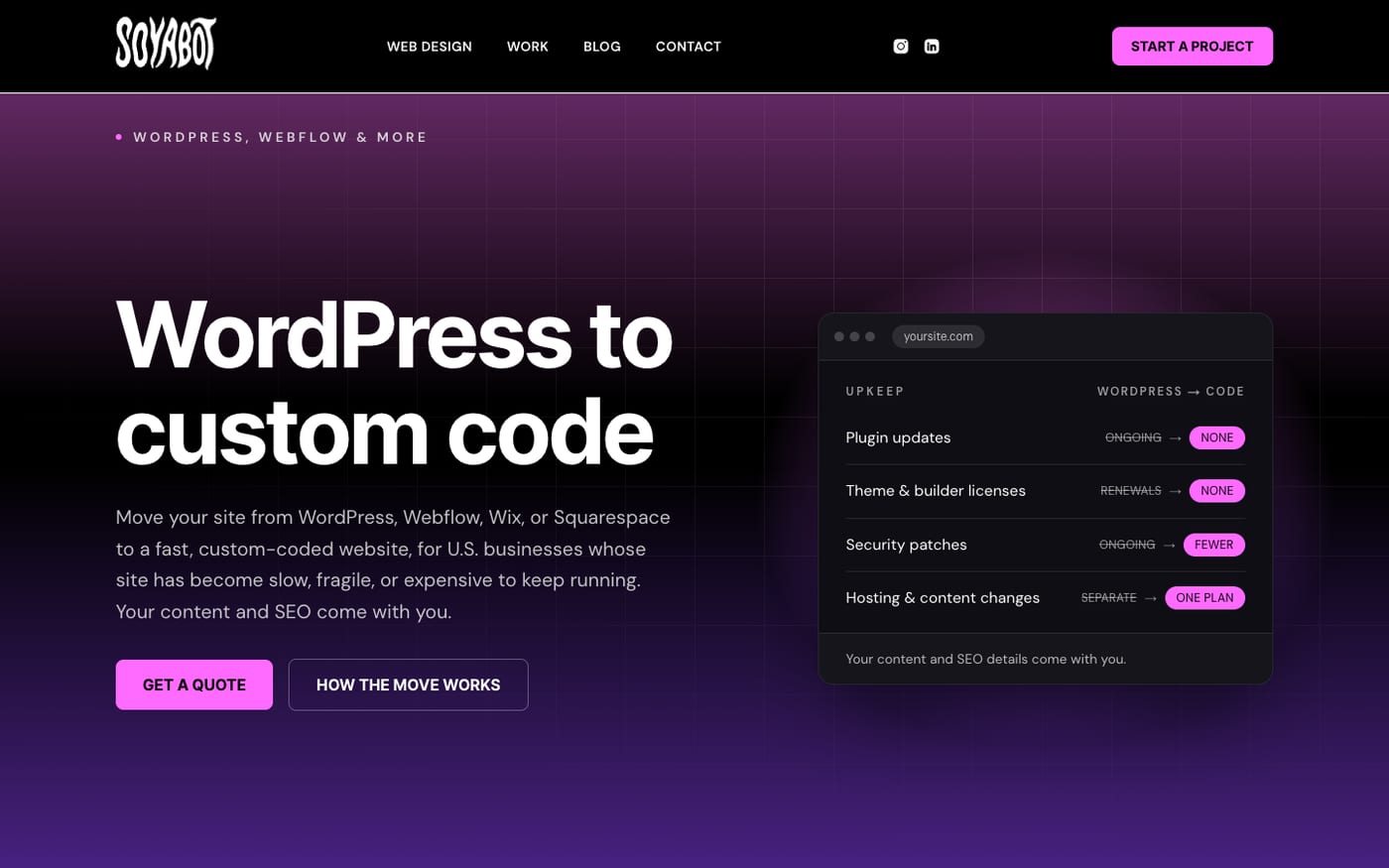
The alternatives fall into two groups: hosted website builders, and custom code. This guide compares them fairly, so you can pick the one that matches what your business needs. If you already know you want to leave WordPress, my page on moving from WordPress to custom code explains how I do it.
Why people leave WordPress
The reasons usually come down to a few things:
Five reasons people look elsewhere
Upkeep
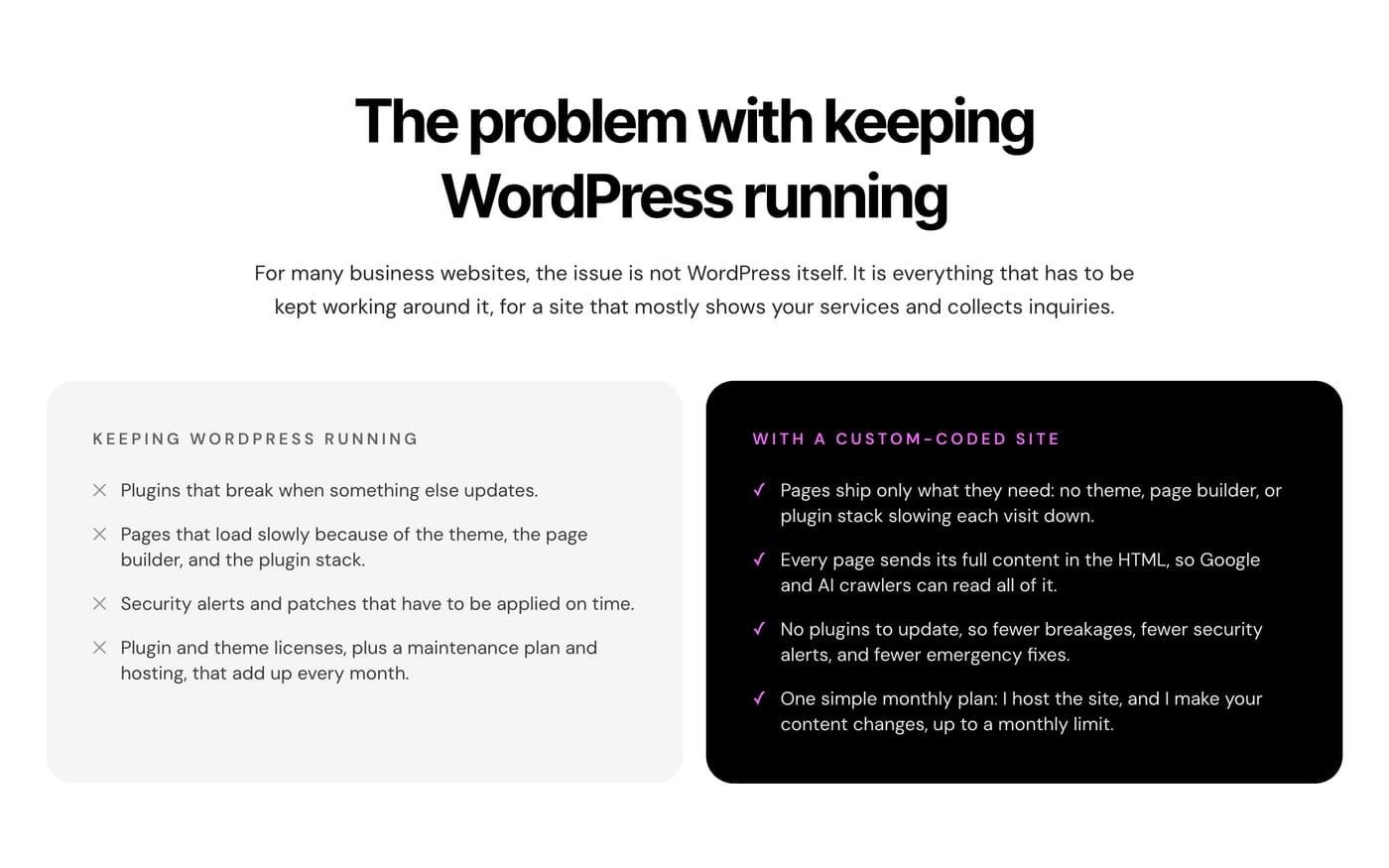
Updates to WordPress, the theme, and plugins have to be applied and tested.
Cost
Plugin and theme licenses, hosting, and a maintenance plan add up.
Speed
Heavy themes and plugin stacks slow pages down, especially on phones.
Security
Plugins are a common weak point, so patches have to be applied on time.
Design limits
A theme or page builder sets boundaries on what the site can do.
None of this means WordPress is bad. It means the setup around it takes work.
The main alternatives
Hosted website builders
Services such as Wix and Squarespace are all-in-one platforms. You build the site with their editor, and they host it for a monthly or yearly subscription. Webflow is a more design-oriented visual builder that also hosts sites, and it can export code.
What they do well:
- You can get a site live quickly, without writing code.
- Hosting, security updates, and the editor are handled by the platform.
- There is no plugin stack to patch.
Where they fall short:
- The design and features are limited to what the platform supports.
- You pay a subscription for as long as the site stays there.
- Moving the site elsewhere later can be hard. Check what you can export before you commit.
- Search setup is often possible, but you work within the platform's limits.
Custom-coded websites
A custom-coded site is designed and built for your business, directly in code. I build mine with Next.js and host them on Vercel.
What it does well:
- It is fast, because each page ships only what it needs.
- There is no plugin stack to patch, so there is less to maintain.
- Every page sends its full content as HTML, which Google and AI crawlers that do not run JavaScript can read.
- The design is not limited by a theme or a builder.
Where it falls short:
- It costs more to build than a template or a builder.
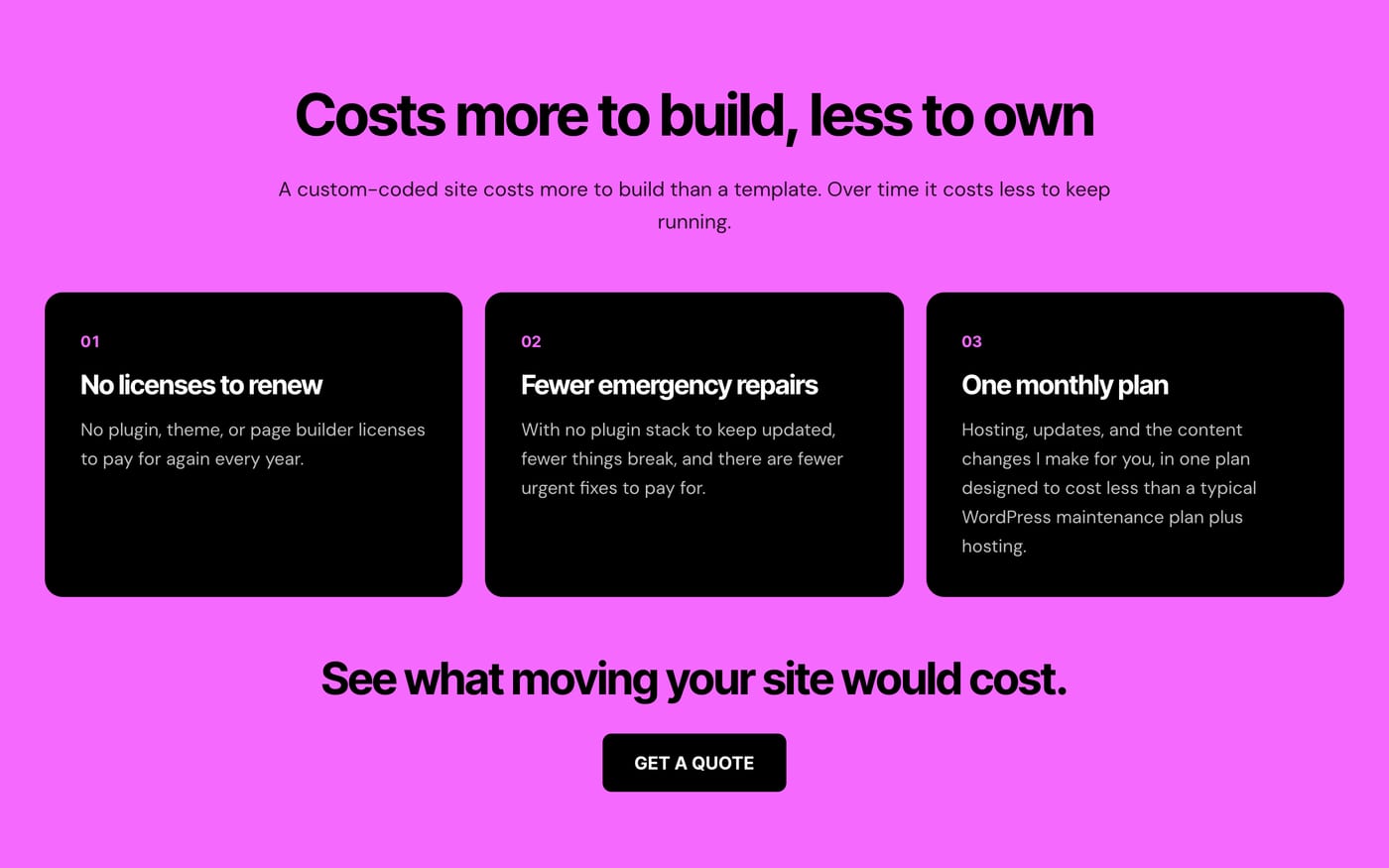
- You do not edit it in a drag-and-drop editor. On my sites, I handle content changes for you as part of a monthly plan.
- It is not the right tool for stores or membership sites.
Other options
- Another CMS, such as Drupal or Joomla: similar trade-offs to WordPress, with smaller ecosystems.
- A headless setup, where content lives in a separate system and the site is built in code: more flexible, and more to manage.
- A static site generator: the kind of approach I describe in static website vs. WordPress.
Side by side
| WordPress | Site builder | Custom code | |
|---|---|---|---|
| Starting cost | Low, with a theme | Low | Higher |
| Ongoing upkeep | Updates and a maintenance plan | Handled by the platform | A simple monthly plan |
| Speed | Varies | Varies | Fast by default |
| Design freedom | Limited by theme or builder | Limited by the platform | Anything you can imagine |
| Who edits content | You | You | Me, within the monthly plan |
| Portability | High | Can be low | High |
| Best for | Stores, memberships, publications | Simple sites built quickly | Company, service, and portfolio sites |
If maintenance cost is your main problem
Before changing platforms, there are cheaper steps worth trying:
- Remove plugins you do not need. Every plugin is something to update and secure.
- Move to better hosting. Good hosting speeds a site up and takes some risk off your plate.
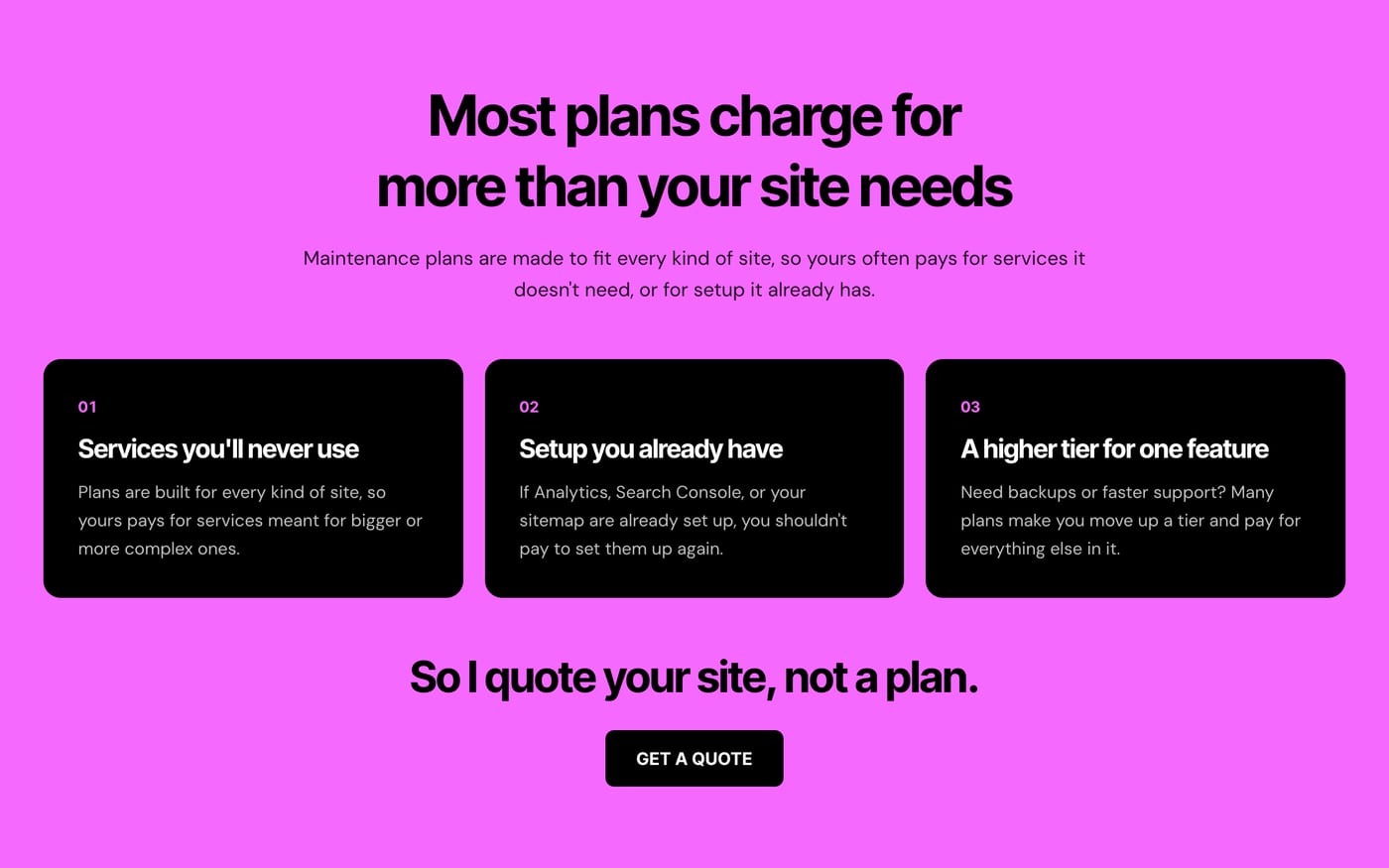
- Compare maintenance plans. Prices vary widely, and what is included varies even more. See how much WordPress maintenance really costs.
- Do it yourself. If you are comfortable with updates and backups, you can skip a plan.
- Move to a simpler build. If the site mostly shows your services, a custom-coded site removes most of the upkeep.
Try the first four and see if the problem goes away. If the site still costs too much to keep, the fifth is worth a conversation.
How to choose
Ask yourself:
- What does my site need to do? Show services and collect inquiries, or sell products and manage members?
- Who will update it, and how often?
- How much control do I want over design and features?
- What can I spend on the build, and on running it afterward?
- How important is speed and search visibility?
- Do I want to own the site outright, or rent a platform?
A quick way to narrow it down
- Yes
Question 1
Do you sell products, run memberships, or publish new content every day?
WordPress
This is where its plugins earn their keep.
No
- Yes
Question 2
Is a quick, simple site the priority?
A hosted builder
Such as Wix, Squarespace, or Webflow.
No
- Then
Otherwise
A company website that has to be fast, distinctive, and low-maintenance.
Custom code
Designed and built for your business.
A builder suits a quick, simple site. WordPress suits stores, memberships, and heavy publishing. Custom code suits a company website that needs to be fast, distinctive, and low-maintenance.
Costs to compare over three years
The cheapest option on day one is not always the cheapest over time. For each option, add up everything for three years:
- The build. What you pay to get the site live.
- The platform or hosting. A subscription, or the cost of a server.
- Licenses. Plugins, themes, or add-ons that renew.
- Maintenance. A plan, or your own time.
- Changes. What it costs to edit or extend the site.
- A rebuild, if the platform no longer fits.
A builder usually wins on the first line and loses ground as limits show up. WordPress can win or lose depending on upkeep. Custom code costs more on the first line and tends to cost less on the rest.
What about AI website builders?
Tools that generate a whole site from a short description are another alternative. They are fast and cheap, and they can work for very simple sites. The usual limits apply: the results look generic, the facts need checking, and the search basics are easy to miss. I wrote about this in can AI redesign my website.
Mistakes people make when switching
- Choosing by price alone, without adding up the full cost.
- Leaving without a redirect plan, so old pages return errors and search visibility disappears.
- Underestimating the content work. Moving pages, images, and posts takes time.
- Not checking what can be exported from a builder, which makes leaving harder later.
- Switching for the wrong reason. If the problem is a heavy theme, a lean WordPress rebuild may fix it.
A note about moving away
Whichever route you take from WordPress, the same rule applies: protect your search visibility. Map your URLs, set up redirects, carry over your titles and descriptions, and watch Search Console after launch. I cover the steps in my website redesign SEO checklist.
What I recommend
For most small businesses with a company website, I would choose custom code if the budget allows, and a hosted builder if a quick, simple site is the priority. I would keep WordPress for stores, memberships, and sites with daily publishing.
If you are not sure where you fit, tell me about your site. I will recommend what makes sense, even if that is the option I do not sell.
Looking for a WordPress alternative?
Tell me about your current site and what is frustrating you. I'll reply with what I can do for you.
Keep reading
October 19, 2026 · 7 min read
WordPress vs. custom website: Which is better for a business?
WordPress or a custom-coded website? An honest comparison of speed, upkeep, cost over time, and design freedom, and when each one makes sense.
October 19, 2026 · 8 min read
How much does WordPress maintenance really cost?
What WordPress maintenance costs per month, what plans include, what they leave out, and real plan examples checked on October 19, 2026.
October 19, 2026 · 8 min read
Static website vs. WordPress
Static website or WordPress? What each one is, how they differ in speed, security, cost and editing, and which fits a business website.