How much does WordPress maintenance really cost?
What WordPress maintenance costs per month, what plans include, what they leave out, and real plan examples checked on October 19, 2026.
By SoyabotOctober 19, 20268 min read
In this article
- How much does it cost to pay someone to maintain a website?
- What a maintenance plan should include
- What is often left out
- Real plan examples (checked October 19, 2026)
- How I price maintenance
- How to compare plans
- Do you need a maintenance plan at all?
- Questions to ask a provider before you sign
- When the cost is the problem
- What to do next
WordPress maintenance is the ongoing work of keeping a WordPress site updated, secure, backed up, and working. What it costs depends far more on what a plan includes than on its price tag, because two plans at the same price can cover very different things.
This guide explains what a maintenance plan usually includes, what is often left out, and how real plans from different providers compare. I also offer WordPress maintenance services myself, so I will say where mine fits and where it does not.
How much does it cost to pay someone to maintain a website?
Among the five providers below, checked on October 19, 2026, entry-level plans from four of them start between about $50 and $100 per month, and the fifth starts at $299. Top plans run from a few hundred dollars to $900 per month. That spread is real, and it mostly comes from three things: whether hosting is included, how often backups are taken, and how much support or development time you get.
So the question to ask is not "what does it cost?" but "what does this price cover?"
What a maintenance plan should include
At a minimum, a plan should cover:
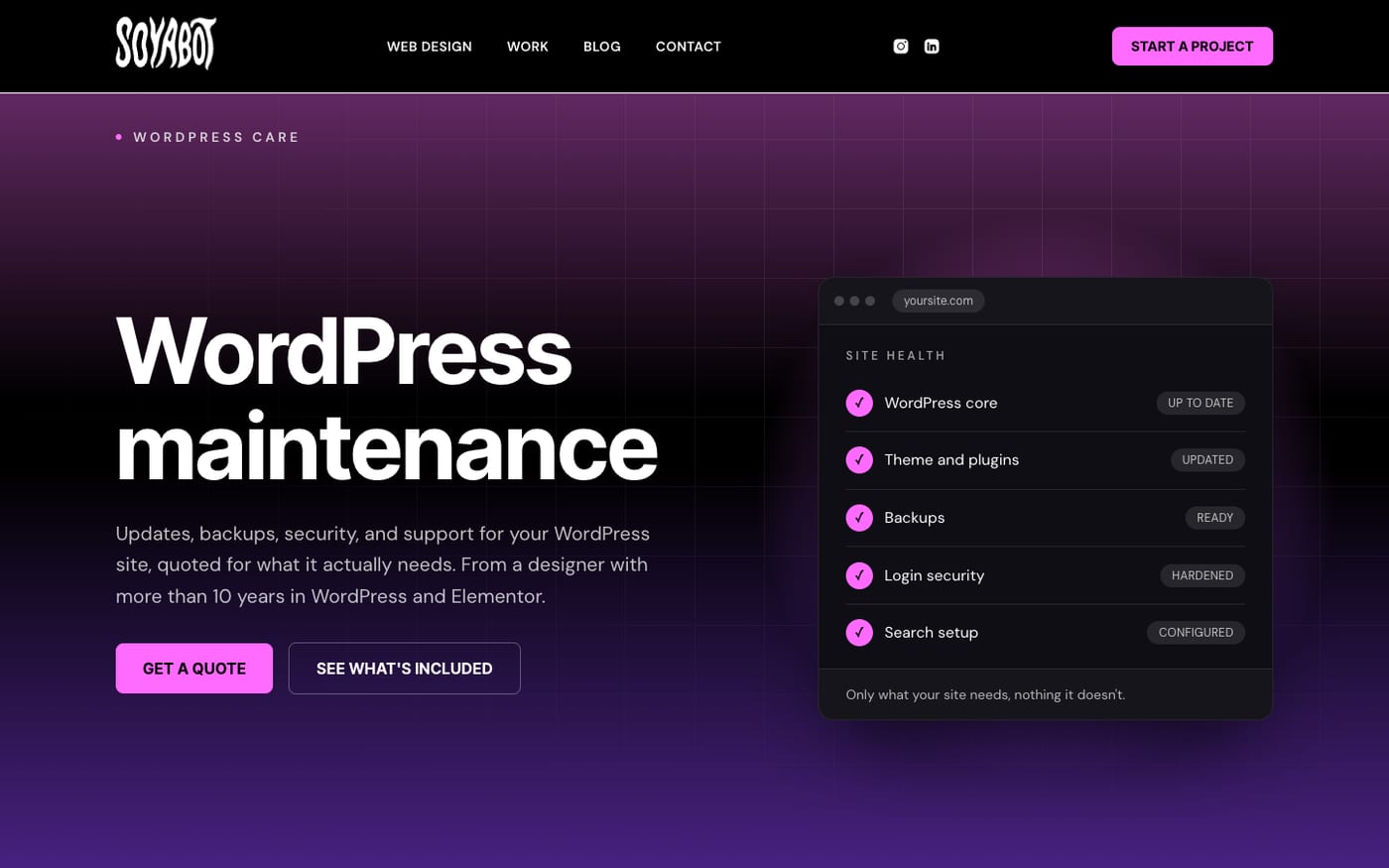
- Updates for WordPress core, your theme, and your plugins, tested before and after.
- Backups you can actually restore from, with a clear frequency.
- Security monitoring and cleanup, including a hardened login and malware scanning.
- Uptime monitoring, so someone notices when the site is down.
- Support with a stated response time.
- Some content changes each month, or developer time you can use.
- A plain statement of what is not included, such as hosting, redesigns, or repairs of problems that existed before you joined.
The work a plan repeats
Every month
for as long as the site runs
Updates
Core, theme, and plugins
Backups
That can be restored
Security
Monitoring and cleanup
Uptime checks
Someone notices downtime
Support
With a stated response time
Content changes
Or developer time
Then it starts again
What is often left out
The surprises usually come from what a plan does not mention:
- Hosting. Some plans include it, many do not, and it can be a large part of the real monthly cost.
- Licenses. Premium plugin and theme licenses are often your responsibility.
- Edits. "Updates" and "content changes" are different things. Check whether either is limited.
- Emergency work. Fixing a hacked or broken site is often billed separately.
- Extra sites. Many plans cover one site each.
Real plan examples (checked October 19, 2026)
These are public prices from the providers' own pricing pages on the date above. Several were on sale, so I show regular prices too. Prices and inclusions change, so check each page before you decide.
| Provider | Monthly price range | Hosting | What the page lists |
|---|---|---|---|
| Inspirable | $49.99 to $349.99 on sale (regular $59.99 to $399.99), four plans | Managed hosting included, or keep your own | Backups every 5 hours, 5-minute uptime checks, malware removal on every plan; unlimited small content edits and developer hours from the second plan up |
| WP SitePlan | $59 to $229 per site (regular $79 to $279), three plans | Not included; a hosting add-on starts at $80 per month | Daily backups, uptime alerts, firewall, malware scans; help desk requests and edits from the middle plan up |
| WP Buffs | $89 to $359, four plans | Only the top plan lists hosting (Pantheon, AWS, or VPS) | Weekly updates, 24/7 uptime monitoring, backups four times a day; unlimited edits from the second plan up |
| FatLab | $99 to $599, four plans (extra sites $75 each) | Premium hosting included | Weekly updates, daily backups, real-time malware scanning and cleanup; 0 to 8 included developer hours a month |
| Emily Journey & Associates | "Starting at" $299, $599, and $900 | Server and hosting management listed | Backups, security updates, basic content updates; hourly work from $200 with a three-hour minimum |
Three things stand out. Prices vary by a factor of ten or more. Hosting is included in some plans and not in others. And the cheapest plan is not always the cheapest option once you add hosting, edits, and extras.
How I price maintenance
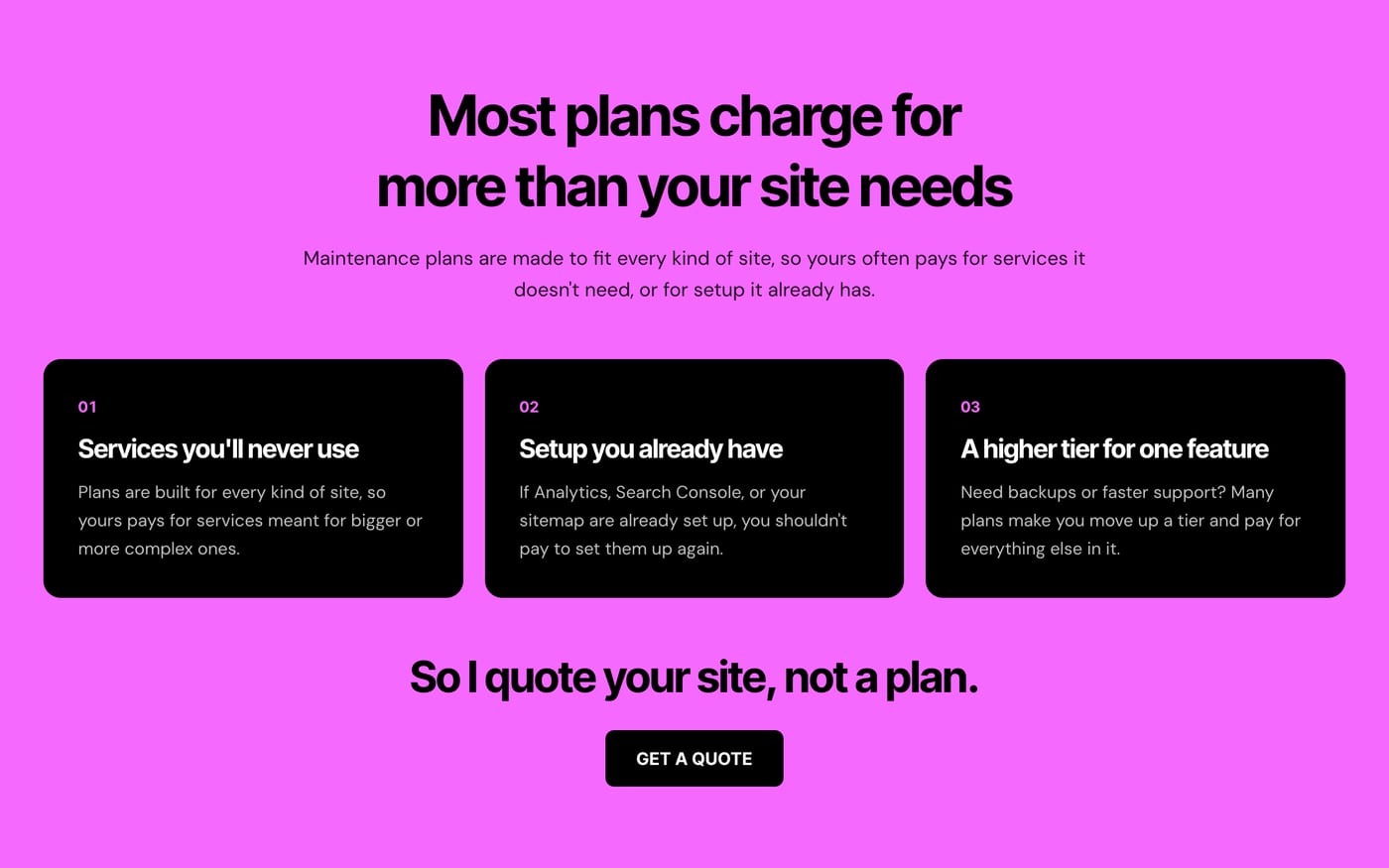
I don't sell fixed plans. As the table shows, plans bundle very different things, and many sites pay every month for tasks they never use. So I look at each site first and quote only what it needs: core, theme, and plugin updates with conflict fixes, security and backups, content changes, search setup, or an Elementor Pro license. Hosting and premium licenses other than Elementor Pro are not included.
To get a price for your site, send it through the quote form on the WordPress maintenance page.
How to compare plans
When you line plans up, put these questions to each:
- Is hosting included, and if not, what will it cost on top?
- How often are backups taken, and how fast can they be restored?
- Is malware cleanup included, or billed when something happens?
- How much support or development time do you get, and what is the response time?
- Are content edits included, and is there a limit?
- What does it cost for emergencies and extra sites?
- Can you cancel without a long contract?
What to add to a plan's price
Your WordPress site, per month
- Maintenance plan$ ?
- Hosting, if not included$ ?
- Premium licenses$ ?
- Edits beyond the plan$ ?
- Emergency fixes$ ?
- Extra sites$ ?
The real number to compare$ ?
Adding the monthly price, hosting, and any licenses gives you the real number to compare.
Do you need a maintenance plan at all?
Not everyone does. If you are comfortable logging in, updating WordPress, plugins, and themes yourself, and keeping your own backups, you can maintain a site without a plan. The cost is your time, and the risk is that an update breaks something at a bad moment, or that a security issue goes unnoticed.
A plan makes sense when your site matters to the business and you would rather not be the person who finds out it is down. It is insurance and time saved, and the right level depends on how much the site earns you and how much downtime you can tolerate.
Questions to ask a provider before you sign
- Who exactly will work on my site, and how do I reach them?
- What happens when an update breaks something: is the fix included?
- How quickly are backups restored, and how often are they tested?
- What is not included, and what do those extras cost?
- Do you work with the plugins and page builders my site uses, such as Elementor?
- Can I cancel at any time, and what will I get when I leave?
Clear answers to these tell you more than a price comparison does.
When the cost is the problem
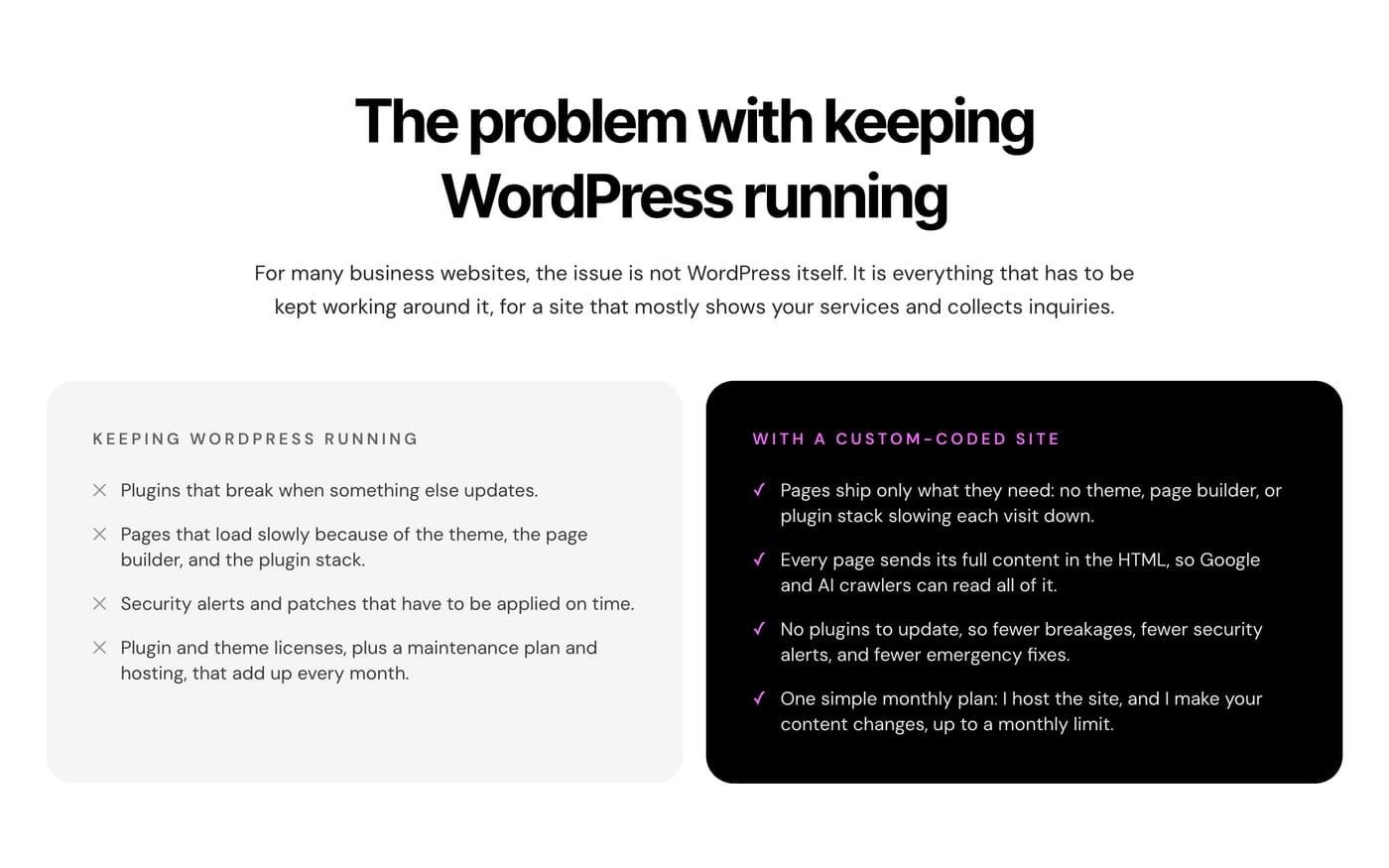
For many business websites, the issue is not the price of any one plan. It is that a plan is needed at all, for a site that mostly shows your services and collects inquiries. A WordPress site needs ongoing care because it depends on a stack of plugins that update on different schedules.
A custom-coded site has no plugin stack to patch, so there is less to maintain. If you are paying a plan mostly to keep the site standing, it is worth asking whether you need that machinery. I wrote about that trade-off in WordPress vs. a custom-coded website, and my WordPress to custom code service moves sites off WordPress, with a simple monthly plan that includes hosting and content changes I make for you.
What to do next
If your WordPress site works and you want it kept safe, a good maintenance plan is the right call. Use the checklist above to compare options. If the cost or the upkeep is what frustrates you, let us talk about whether moving to custom code makes sense.
Not sure which way to go?
Tell me about your WordPress site and what you pay for it today. I'll tell you honestly whether maintenance or a move to custom code makes more sense.
Keep reading
October 19, 2026 · 7 min read
WordPress vs. custom website: Which is better for a business?
WordPress or a custom-coded website? An honest comparison of speed, upkeep, cost over time, and design freedom, and when each one makes sense.
October 19, 2026 · 8 min read
WordPress alternatives for small businesses: Builders vs. custom code
WordPress alternatives for small businesses: how site builders compare with custom code, what each costs you in control and upkeep, and how to choose.
October 19, 2026 · 8 min read
My WordPress site keeps getting hacked: What now?
WordPress site hacked? The steps to take right away, why it keeps happening, how to prevent it, and when to bring in someone to fix it properly.