WordPress vs. custom website: Which is better for a business?
WordPress or a custom-coded website? An honest comparison of speed, upkeep, cost over time, and design freedom, and when each one makes sense.
By SoyabotOctober 19, 20267 min read
In this article
If you are planning a new website or a redesign, one of the first questions is what to build it on. WordPress powers a large share of the web, and for good reason. But it is not the only option, and for many company websites it is no longer the simplest one.
This is an honest comparison from someone who builds custom-coded sites, so you can decide what fits your business. If you already know your WordPress site is the problem, my page on moving from WordPress to custom code explains how I do it.
Which is better for my website, a coded website or WordPress?
For a company website that presents your services and brings in inquiries, a custom-coded site is usually the better fit. It is faster, simpler to keep running, and cheaper to own over time.
WordPress is the better fit when you need what its ecosystem offers: a large WooCommerce store, a membership site, or a publication where many editors work in WordPress every day.
Most business websites are in the first group. They have a homepage, a few service pages, an about page, some case studies, and a way to get in touch. They do not need a plugin ecosystem. They need to load fast, look right, and stay out of the way.
What WordPress does well
WordPress has earned its place. Its real strengths are:
- A huge ecosystem. Themes, plugins, and developers are easy to find, so almost any problem has been solved before.
- A familiar editor. If a team publishes new content every week, the WordPress editor is something people already know how to use.
- A low starting cost. A theme gets you a working site quickly and cheaply.
- A plugin for almost anything. Stores, memberships, bookings, and courses can all be added.
None of that is marketing. It is why so many sites run on it.
What is the downside of using WordPress?
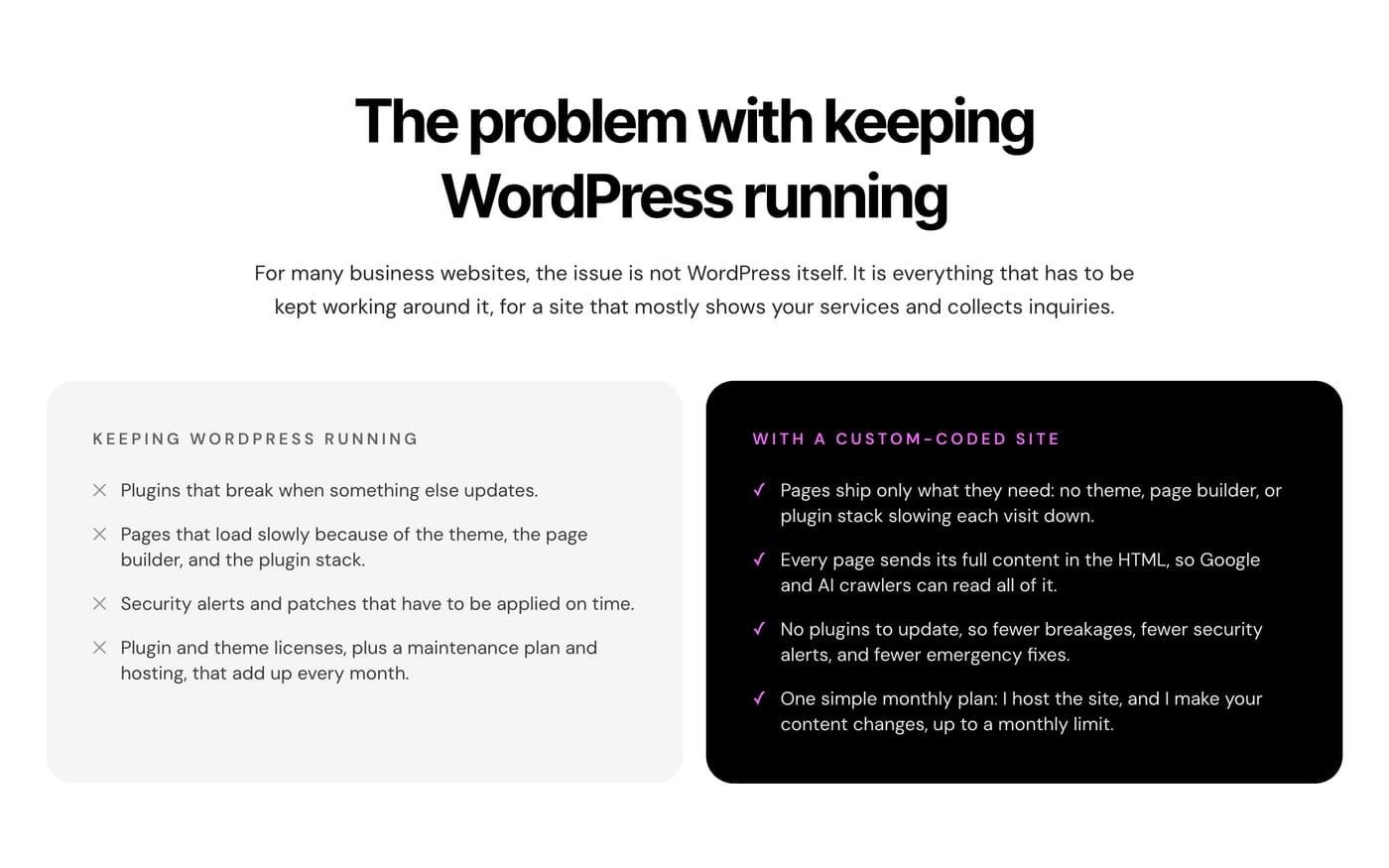
The downside is not WordPress itself. It is everything that has to be kept working around it.
A typical WordPress business site is made of WordPress core, a theme, and a stack of plugins, often from different developers who update on different schedules. Every update can interact with the others. Keeping them compatible, patched, and fast is ongoing work.
What has to keep working together
Your site
WordPress core
Theme
Page builder
Forms plugin
SEO plugin
Security plugin
That shows up in four ways:
- Updates that break things. A plugin update can conflict with the theme or another plugin, and something stops working.
- Slow pages. Themes, page builders, and plugins add weight that is hard to remove later.
- Security work. Plugins are the most common weak point, so patches have to be applied on time.
- Recurring costs. Plugin and theme licenses, hosting, and often a maintenance plan add up every month, even in months when nothing changes on your site.
If your site mostly shows your services and collects inquiries, you are paying to keep a lot of machinery running that you do not use.
What a custom-coded website is
Instead of assembling a site from WordPress, a theme, and plugins, a custom-coded site is built directly in code with modern tools, for your business. It contains only what you need.
I build mine with Next.js and host them on Vercel. Each page is rendered on the server, so its full content is in the HTML. There is no page builder and no plugin stack. Content changes are handled by me as part of a simple monthly plan, so you never have to log in to anything or risk breaking the site.
Side by side
| WordPress | Custom-coded site | |
|---|---|---|
| Upfront cost | Often lower, starting from a theme | Higher, because it is designed and built for you |
| Ongoing upkeep | Updates to core, theme, and plugins | Minimal, with no plugin stack to patch |
| Speed | Depends on the theme, builder, and plugins | Fast by default |
| Security surface | Larger, because of plugins | Smaller |
| Design freedom | Shaped by the theme and builder | Anything you can imagine |
| Content changes | You, in the WordPress editor | Me, as part of the monthly plan |
| Best for | Large stores, memberships, big publications | Company, service, and portfolio sites |
Cost over time
WordPress is cheaper to start and often more expensive to keep. A custom-coded site is the other way around.
Think about every recurring cost, not only the build:
- Hosting. Both need it.
- Licenses. WordPress sites often carry plugin and theme licenses that renew every year. A coded site has none.
- Maintenance. WordPress sites usually need someone to run updates, backups, and security. That is a monthly plan or your own time.
- Emergency fixes. When an update breaks something, someone has to fix it, often urgently.
A coded site does not remove every cost. It removes the licenses and most of the emergency work, which is where many WordPress budgets quietly grow. I do not put a number on this here because the real figure depends on your site, but it is worth adding up what you pay today, month by month.
Speed and search
A fast site is easier for visitors to use and easier for search engines to crawl. WordPress sites can be fast, but themes and plugins add weight that is hard to remove. A custom site starts lean, so it is easier to get excellent load times and clean code.
There is a second point. A coded site can send each page's full content as HTML from the server. Google reads that, and so do AI crawlers such as GPTBot, ClaudeBot, and PerplexityBot, which generally do not run JavaScript. A good technical base does not guarantee rankings. It does make sure the site is not what holds you back.
When WordPress is still the right choice
To be fair, WordPress is the better pick when:
- You run a large online store built on WooCommerce. I do not build online stores.
- Your site is a membership site or depends on many plugins working together, such as courses or bookings.
- A team of editors publishes content every day and relies on WordPress's own tools.
In those cases, the smart move is usually to keep WordPress and simplify it: fewer plugins, better hosting, and a fair maintenance plan. I offer WordPress maintenance services for exactly that.
A checklist to decide
Answer these honestly:
Seven questions
Tick every question you answer yes to.
If the first five are mostly yes and the last two are no, a custom-coded site is likely a better fit. If the last two are yes, stay on WordPress and keep it well maintained.
What I would do
If your site is a company website and the cost or the upkeep is the real frustration, I would move it to custom code, carefully, with your URLs and search visibility protected. If it is a store or a membership site, I would keep it on WordPress and maintain it properly.
Not sure which one you are? Tell me about your site and I will give you an honest recommendation, even if that means staying on WordPress.
Not sure which is right for you?
Tell me about your business and your current website. I'll tell you honestly whether moving to custom code makes sense.
Keep reading
October 19, 2026 · 8 min read
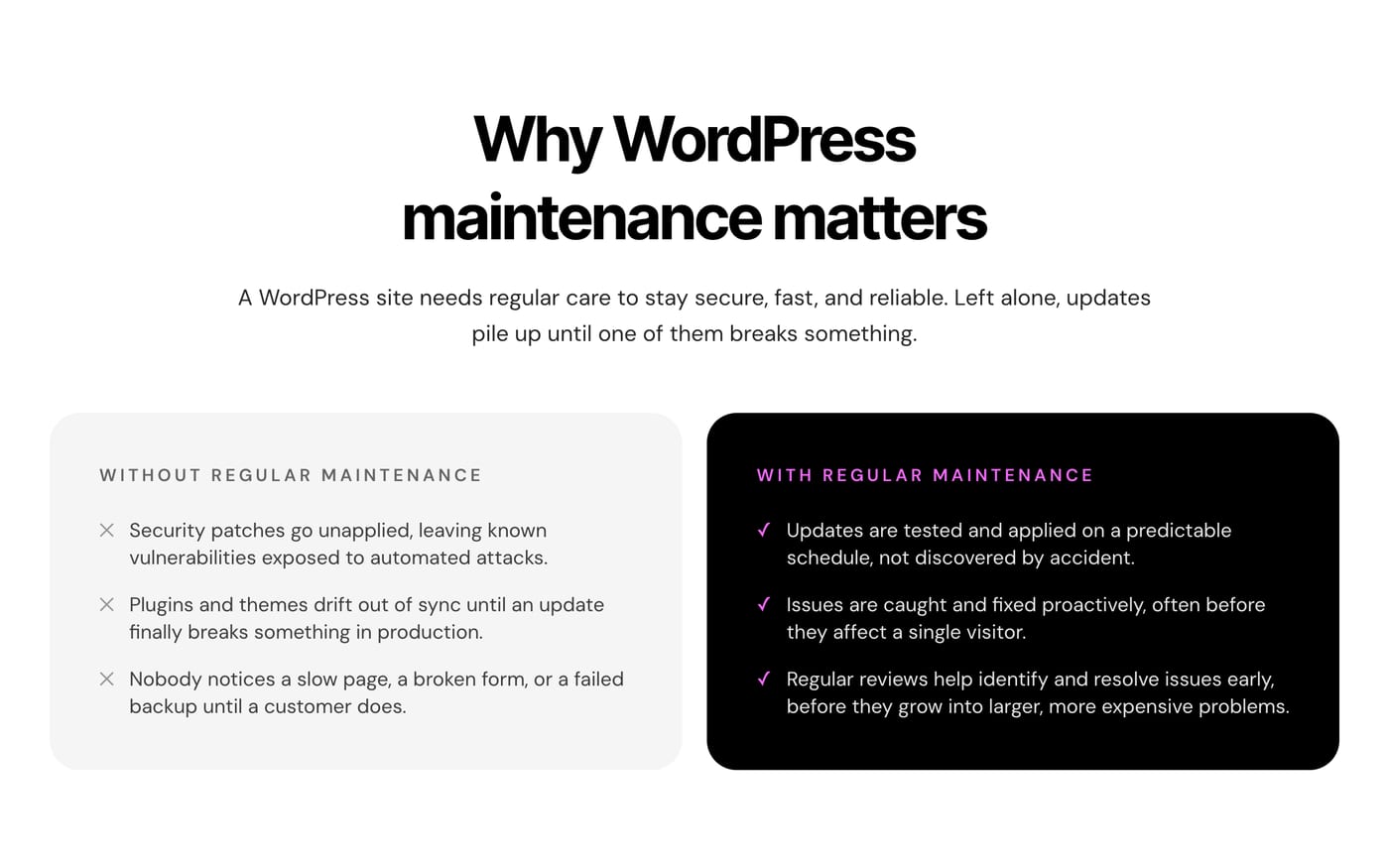
Is WordPress outdated in 2026?
Is WordPress outdated in 2026? An honest answer: what has aged, what has not, signs your own WordPress site is out of date, and your options.
October 19, 2026 · 8 min read
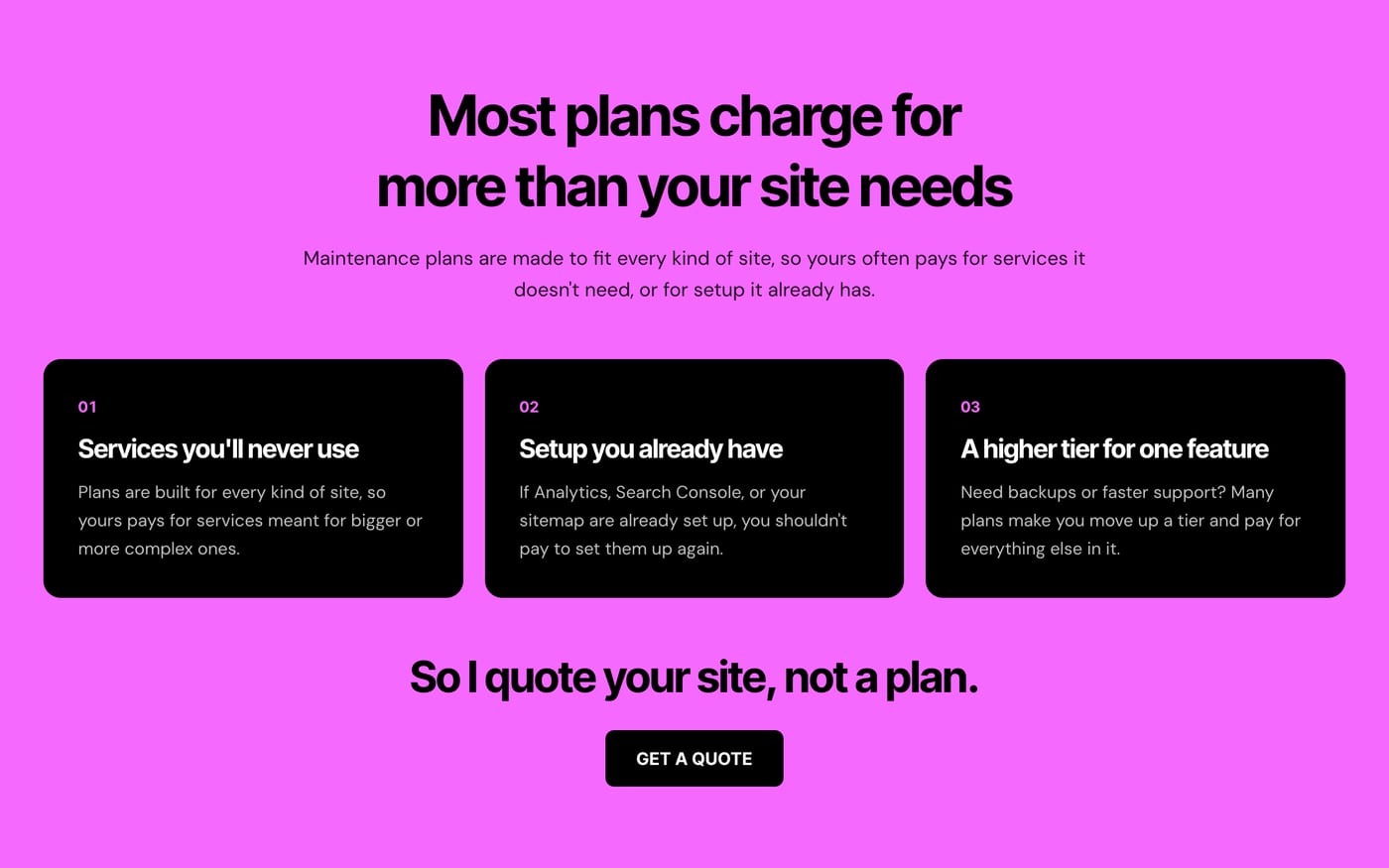
How much does WordPress maintenance really cost?
What WordPress maintenance costs per month, what plans include, what they leave out, and real plan examples checked on October 19, 2026.
October 19, 2026 · 8 min read
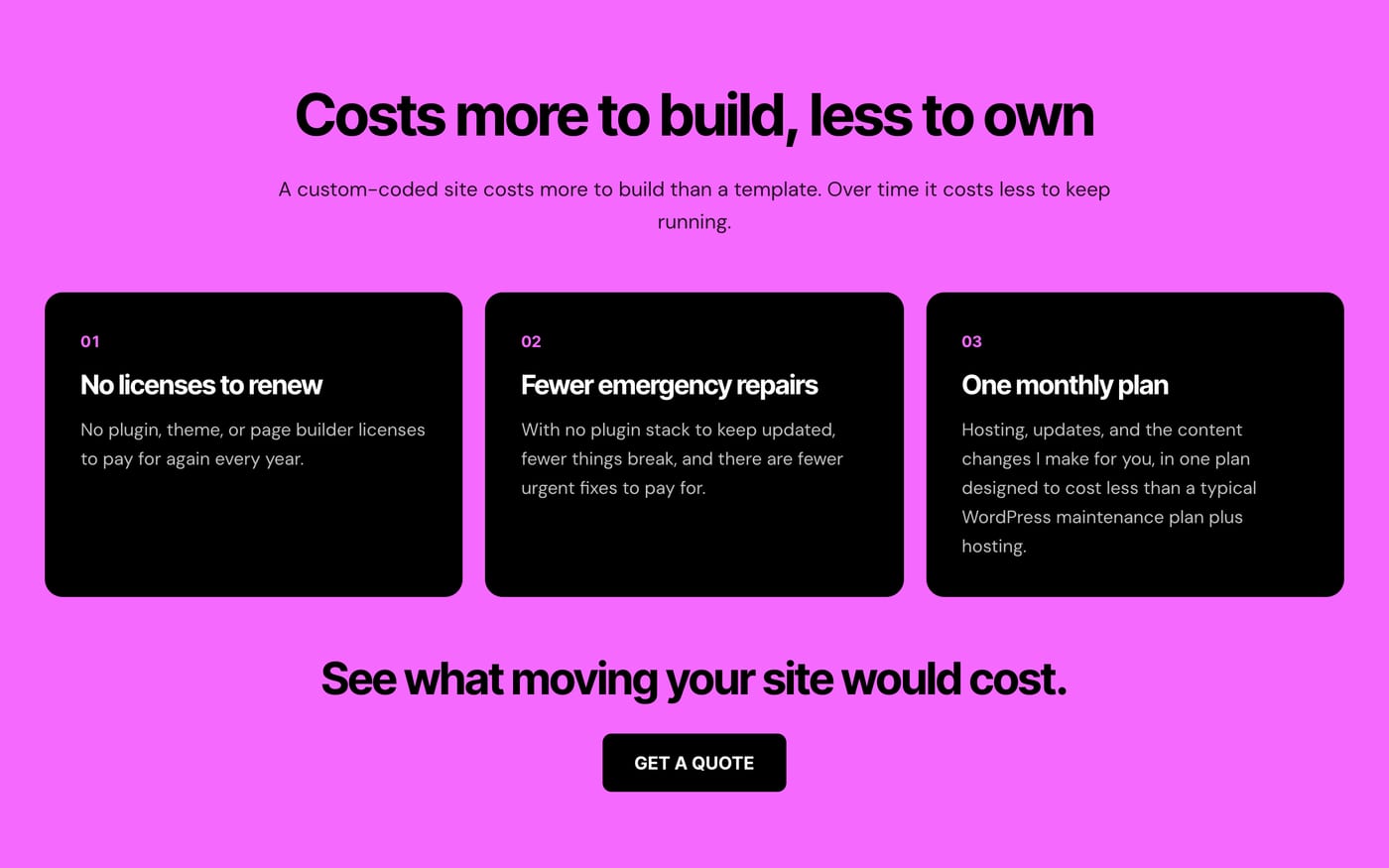
Static website vs. WordPress
Static website or WordPress? What each one is, how they differ in speed, security, cost and editing, and which fits a business website.