Static website vs. WordPress
Static website or WordPress? What each one is, how they differ in speed, security, cost and editing, and which fits a business website.
By SoyabotOctober 19, 20268 min read
In this article
- What is a static website?
- What is WordPress?
- Static website vs. WordPress: the differences
- Speed
- Security
- Maintenance and cost
- Editing content
- What a static website cannot do easily
- Which one is right for a business website?
- Common myths about static websites
- What each is good for
- Can you switch later?
- A simple checklist
- A hybrid approach
- How I build
"Static website" sounds like something from the early web: plain pages that never change. Today it means something different. Many fast, modern business sites are built as static sites, and the word describes how pages are delivered, not how they look.
This guide explains what a static website is, how it compares with WordPress, and which one fits a business. If you are weighing a move, my page on moving from WordPress to custom code covers how I handle it.
What is a static website?
A static website is made of pages that are built ahead of time and stored as ready-to-send files. When a visitor asks for a page, the server hands over the finished file. Nothing has to be assembled at that moment.
Modern tools make this far more capable than it sounds. A framework such as Next.js can build pages in advance from your content and design, so the site feels instant, while still supporting forms, analytics, and interactive features on the page.
What is WordPress?
WordPress is a content management system. Your pages and posts live in a database, and when someone visits, WordPress runs code on the server that pulls the content from the database, combines it with your theme and plugins, and builds the page on the spot. Caching tools can store finished copies of pages to speed this up.
That design is what makes WordPress flexible: content is easy to edit and extend. It is also why a WordPress site has more moving parts.
How a page reaches a visitor
Static website
- A visitor asks for a page
- The server sends the finished file
- The page appears
WordPressA cache can keep a finished copy and skip the pink steps.
- A visitor asks for a page
- WordPress runs on the server
- It reads the content from the database
- It adds the theme and plugins
- The page appears
Static website vs. WordPress: the differences
| Static website | WordPress | |
|---|---|---|
| How pages are made | Built ahead of time, served as ready files | Assembled by the server on request, often with caching |
| Speed | Fast by default | Depends on the theme, plugins, hosting, and caching |
| Security surface | Small: no database or plugin stack on the page itself | Larger: plugins, themes, logins, and a database |
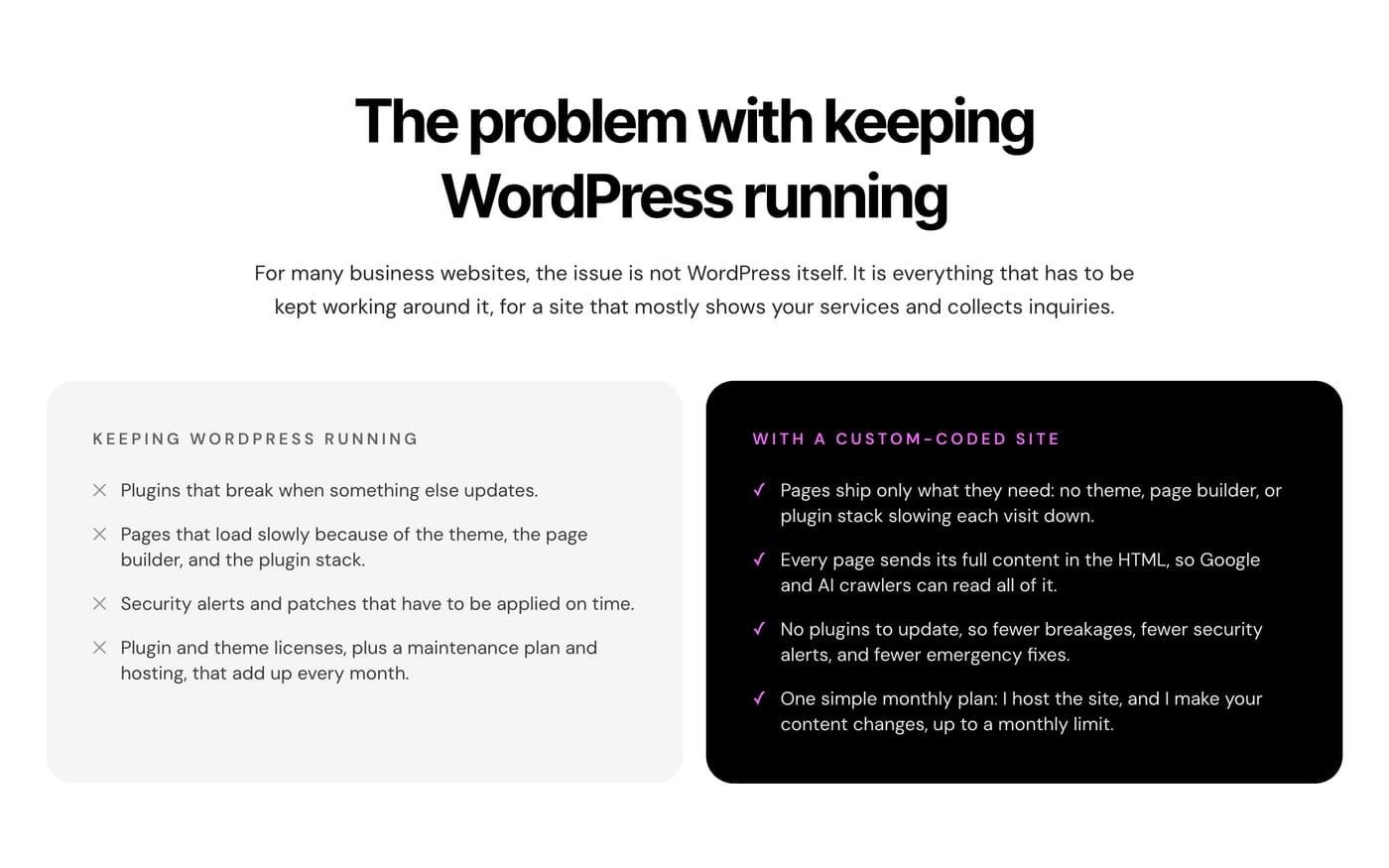
| Maintenance | Little: no plugin updates to apply | Regular updates to core, theme, and plugins |
| Editing content | Done in code or through a connected tool | Done in the WordPress editor |
| Dynamic features | Handled by added services or code | Handled by plugins |
| Hosting | Simple and inexpensive | Needs a server that runs WordPress and a database |
Speed
Because a static site serves ready files, there is less for the server to do per visit, which usually means faster pages. WordPress can be fast too, but it takes work: good hosting, a lean theme, few plugins, and caching.
Security
Every extra piece of software on a website is a possible way in. A WordPress site has WordPress itself, a theme, and often many plugins, and plugins are a common weak point. A static site has less running on the server when a page is requested, so there is less to attack. No site is immune, and good practices still matter, but the surface is smaller.
Maintenance and cost
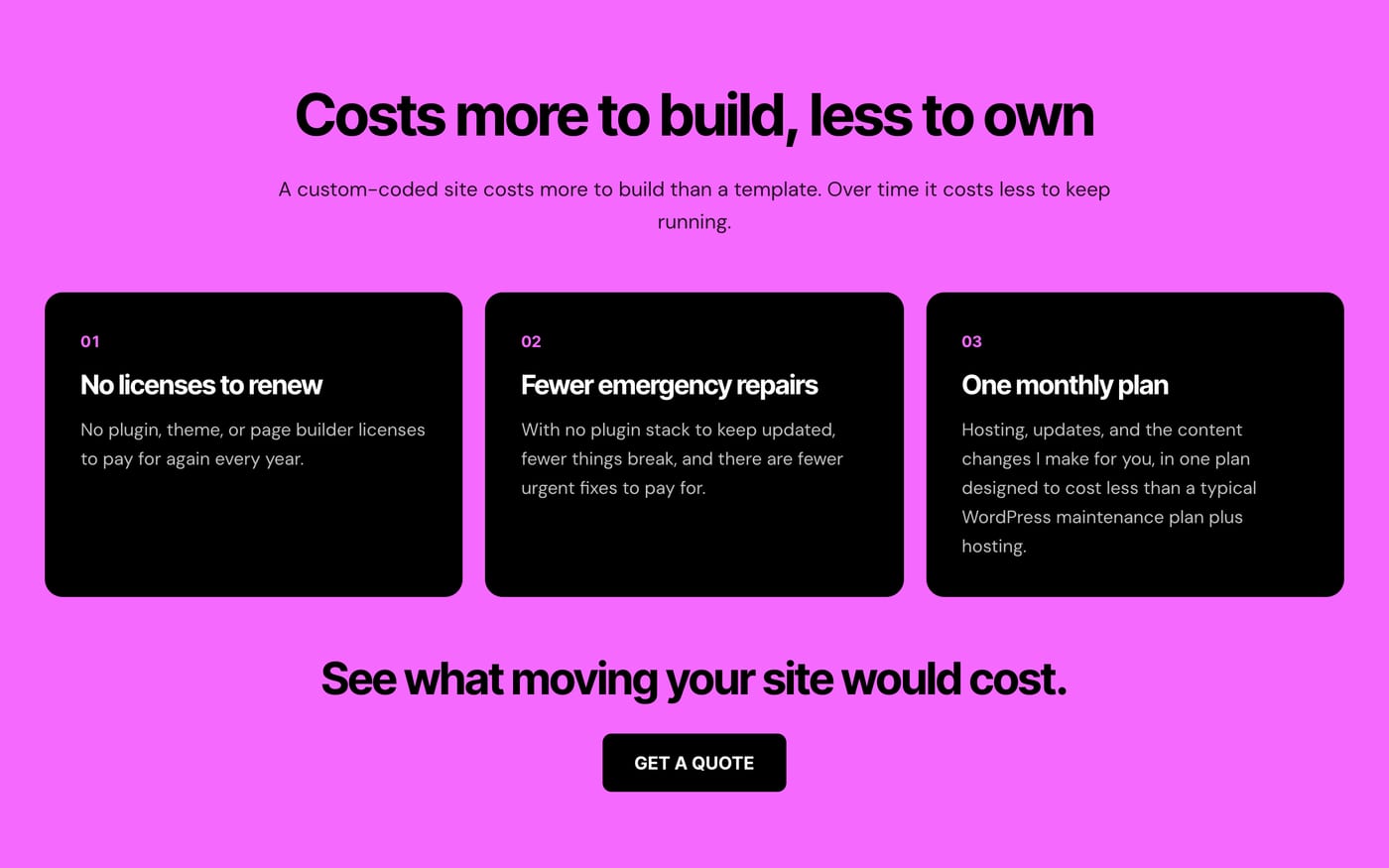
A static site does not need constant plugin updates, which means fewer breakages and less ongoing work. That is where the cost difference tends to show up over time: licenses, maintenance plans, and emergency fixes are common on WordPress and rare on a static site. The build itself may cost more, because the site is designed and coded for you rather than assembled from a theme.
Editing content
This is the real trade-off. WordPress gives you an editor you can log into. A static site usually has no such thing by default. On my sites, content changes are made by me as part of a monthly plan, so you do not log in to anything, and you cannot break the site by accident. If you need to publish several times a day yourself, WordPress is a better fit.
What a static website cannot do easily
Some things need extra work on a static site:
- User accounts and memberships. These are possible, but they need added services.
- Big online stores. I do not build these, and WooCommerce is a strong tool for them.
- Content that changes constantly, such as a large publication with many editors.
If your site depends on these, WordPress is likely a better choice.
Which one is right for a business website?
For a company website that presents services, shows work, and collects inquiries, a static or pre-rendered site is usually a good fit: fast, secure, and cheap to keep. For sites that depend on frequent publishing, a plugin ecosystem, or a store, WordPress makes more sense.
A simple test: if you could describe your site as a handful of pages that change a few times a month, you probably do not need the machinery of WordPress.
Common myths about static websites
- "Static means plain and boring." Static describes how pages are delivered, not how they look. A static site can have rich design, animation, and interaction.
- "Static sites cannot have forms or analytics." They can. Forms are sent to a form service, and analytics scripts work the same as on any site.
- "Only developers can use them." You do not need to touch the code. On my sites, I handle changes for you.
- "They are only for small sites." Large sites are built this way too. The approach scales well because the pages are prepared in advance.
What each is good for
A static or pre-rendered site fits:
- Company and service websites
- Portfolio and case study sites
- Landing pages and marketing sites
- Documentation and content that changes occasionally
WordPress fits:
- Large stores built on WooCommerce
- Membership sites and courses
- Publications with several daily editors
- Sites that rely on specific plugins you cannot replace
Can you switch later?
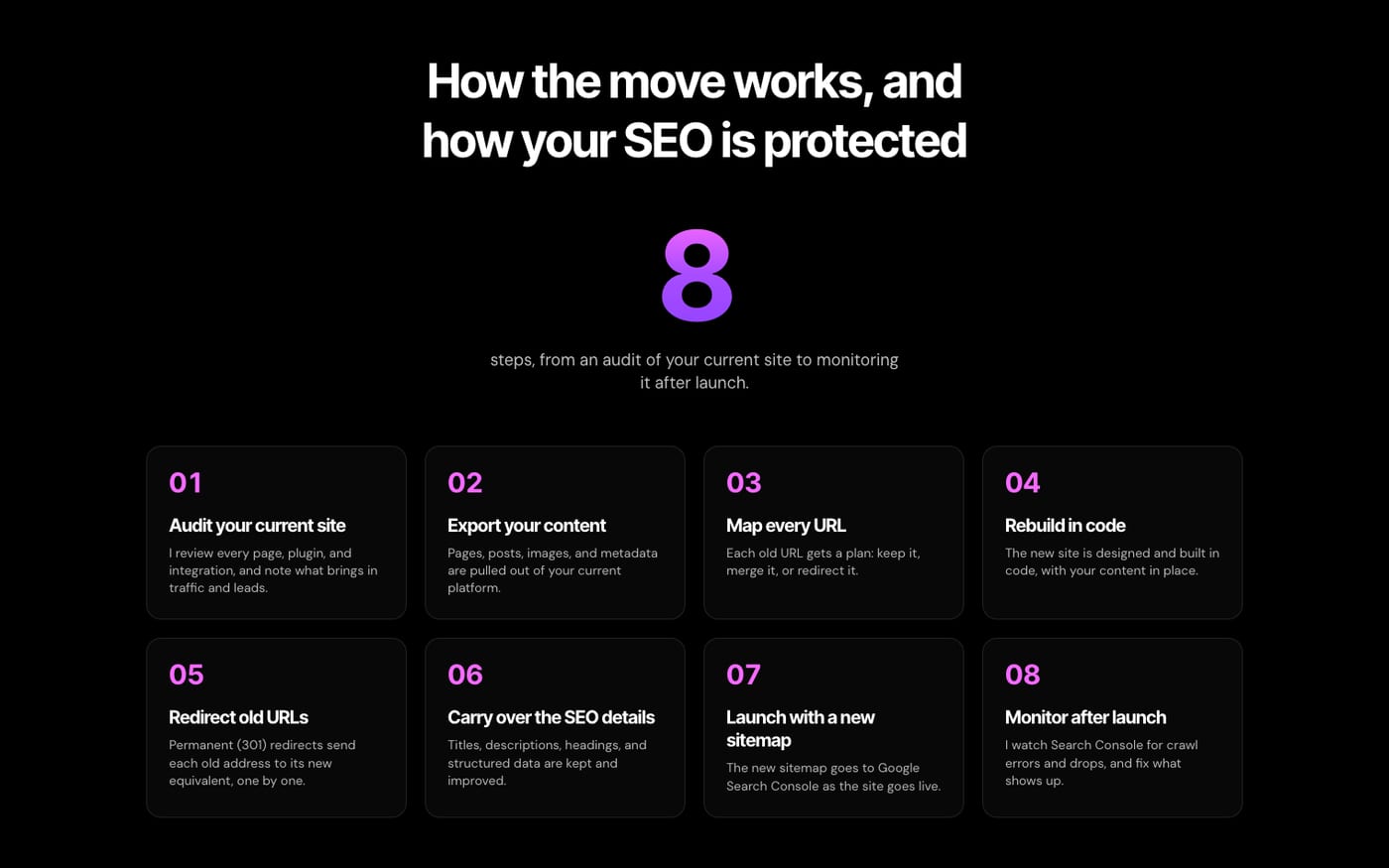
Yes, in either direction, but it takes planning. Moving from WordPress to a coded site means exporting content, mapping every URL, redirecting old addresses, and carrying over the SEO details. Moving the other way is possible too, though people rarely want to. The sooner you pick the right foundation, the less rework you will do.
A simple checklist
Choose a static or coded site if most of these are true:
- Your site is mainly pages that change a few times a month.
- You want the fastest possible load times.
- You do not want to maintain plugins.
- You do not need to publish content yourself every day.
Choose WordPress if most of these are true:
- You run a store, membership site, or large publication.
- You rely on specific plugins.
- Your team publishes new content constantly.
A hybrid approach
You do not always have to choose one or the other. Some sites mix the two: most pages are prepared in advance for speed, while the parts that need to change often, such as a search box or a form, are handled separately. Modern frameworks make this practical, and it is how many fast business sites work today.
One page, two kinds of parts
- Prepared ahead, sent as a ready file
- Works when someone uses it
The right question is not "static or dynamic?" but "which parts of my site need to change as people visit, and which can be prepared ahead?" For a typical company website, nearly all of it can be prepared ahead.
How I build
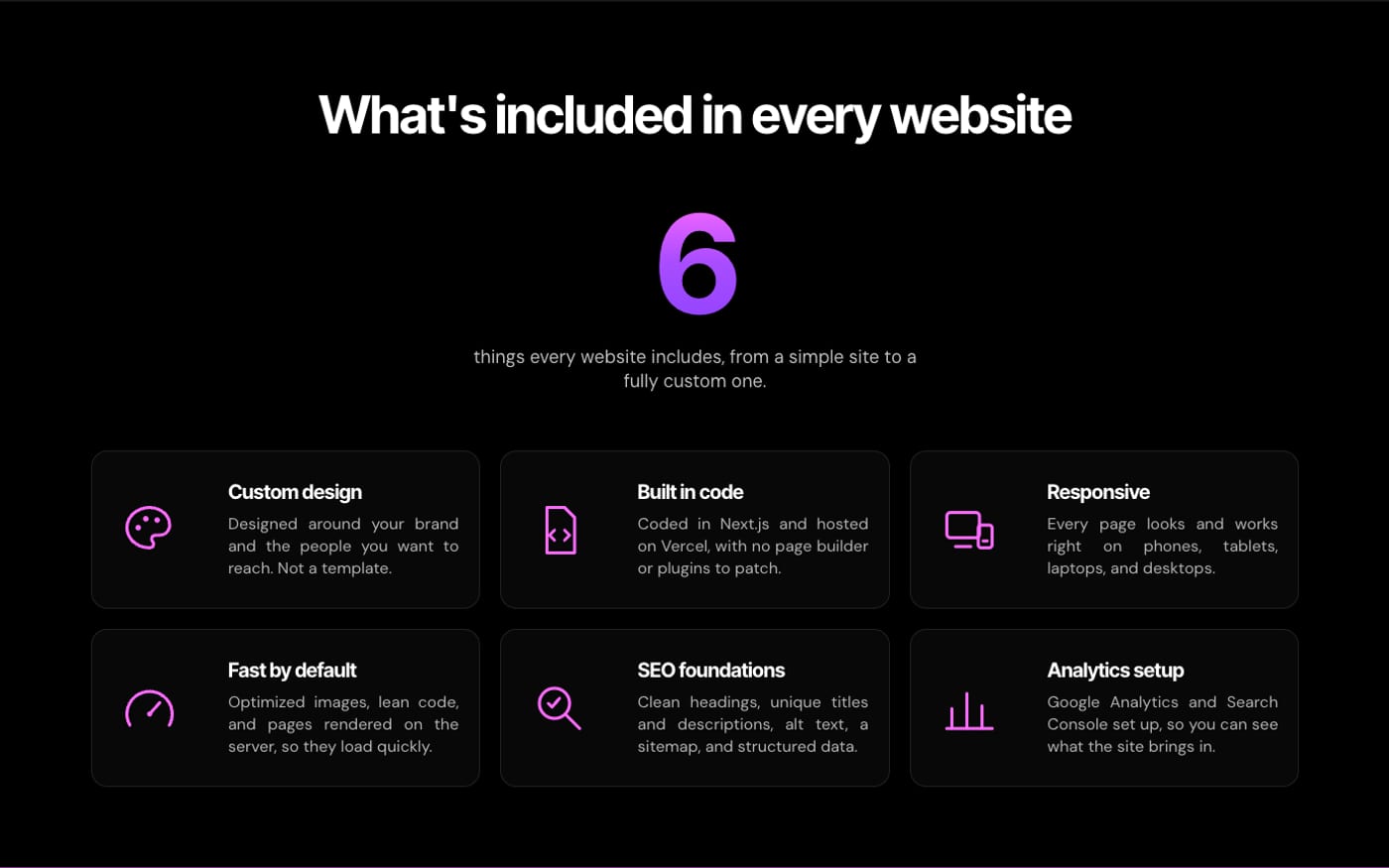
I build sites with Next.js and host them on Vercel. Pages are rendered on the server, so the full content is in the HTML. Google and AI crawlers that do not run JavaScript can read it, and visitors get a fast page. Forms, analytics, and search setup are included.
If you are unsure which approach suits you, tell me about your site and I will give you an honest recommendation.
Not sure if you need WordPress?
Tell me what your site has to do. I'll tell you honestly whether a coded site or WordPress is the better fit.
Keep reading
October 19, 2026 · 7 min read
WordPress vs. custom website: Which is better for a business?
WordPress or a custom-coded website? An honest comparison of speed, upkeep, cost over time, and design freedom, and when each one makes sense.
October 19, 2026 · 8 min read
WordPress to Next.js migration: Process, SEO and cost
How a WordPress to Next.js migration works: auditing, exporting content, mapping URLs, redirects, SEO checks, launch, and what drives the cost.
October 19, 2026 · 8 min read
Why is my WordPress site so slow?
Why is your WordPress site slow? The most common causes, quick fixes you can try today, and when it makes more sense to rebuild the site.