Is WordPress outdated in 2026?
Is WordPress outdated in 2026? An honest answer: what has aged, what has not, signs your own WordPress site is out of date, and your options.
By SoyabotOctober 19, 20268 min read
In this article
If you are asking whether WordPress is outdated, you are probably staring at a website that feels slow, fragile, or expensive to keep running, and wondering if the platform is to blame. It is a fair question, and the honest answer has two parts.
WordPress itself is not outdated. Your WordPress site might be. Those are different problems with different solutions, and mixing them up leads to expensive mistakes. If your site is the problem, my page on moving from WordPress to custom code explains one way out.
Is WordPress outdated in 2026?
No. WordPress is still widely used and actively developed, and it keeps getting new features and security updates. It is a mature, flexible tool, and for many kinds of websites it is still a sound choice.
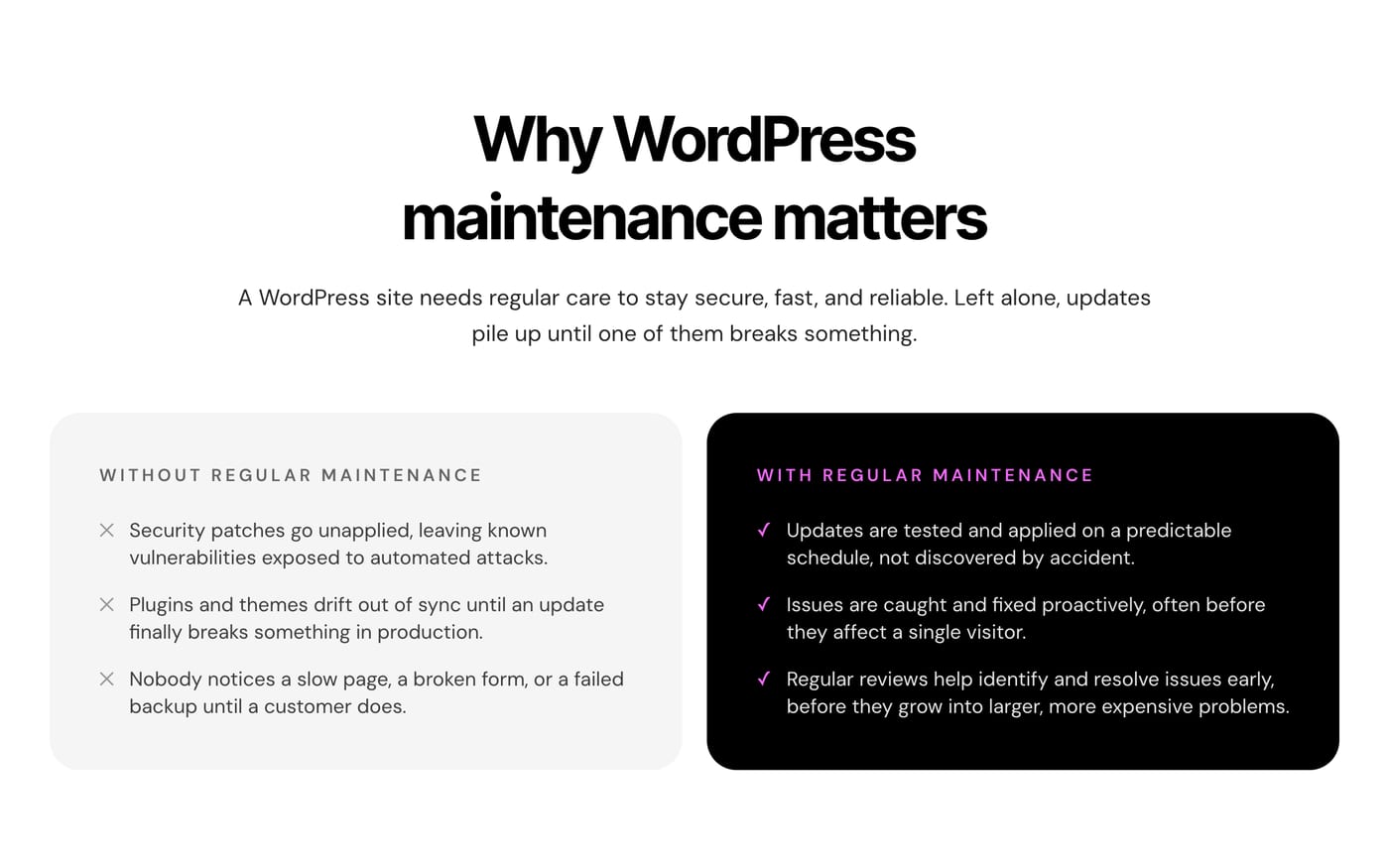
What has changed is not the software's age. It is the cost and the work of keeping a plugin-heavy site fast, secure, and compatible. A site can feel outdated for reasons that have little to do with the platform:
- Its design is old. The look and layout belong to an earlier era.
- It is slow. Heavy themes, page builders, and plugins add weight.
- It is hard to keep up. Updates are skipped, then something breaks.
- It costs more to maintain than it is worth. Licenses, hosting, and a maintenance plan add up.
Those are symptoms of how a particular site was built and kept, not proof that WordPress has passed its time.
Two different questions
WordPress itselfNot outdated
- Actively developed
- New features
- Regular security updates
Still a sound choice for stores, memberships, and busy publications.
Your WordPress siteMight be
- Old design
- Slow on phones
- Updates skipped
- Costly to keep
What WordPress is still good at
It helps to be fair about where WordPress works well:
- Large online stores, especially ones built on WooCommerce.
- Membership sites, courses, and other sites that depend on many plugins working together.
- Publications and blogs where several editors publish new content every day.
- Teams that want a familiar editor and a large pool of developers to hire from.
If your site is in one of those groups, the right move is usually to keep WordPress and keep it healthy.
Signs your WordPress site is outdated
Look at your own site. These are the signs that matter:
Updates break things
If every plugin update is a risk, or you have stopped updating because something broke last time, your site is falling behind. Skipped updates tend to pile up, which makes the eventual update riskier.
It is slow, especially on a phone
Slow pages lose visitors and make it harder for the site to do well in search. If your pages take several seconds to load on mobile data, the stack of theme, builder, and plugins is likely part of the cause.
It relies on old tools
Old page builders, abandoned plugins, and themes that no longer receive updates are a risk. If a tool is no longer maintained, it will eventually stop working with newer versions of WordPress or PHP.
Security warnings keep appearing
Browser warnings, plugin vulnerability notices, or a site that has been hacked before are serious signs. Outdated plugins and themes are a common way in.
It looks old next to your competitors
A design from several years ago tells visitors your business has not changed since then, even if it has.
You pay a lot to keep it standing
If you spend more every month on plugin licenses, hosting, and a maintenance plan than the site earns or deserves, the setup is not working for you.
Your options
If several of those signs apply, you have three paths.
Three ways forward
Keep and maintain it
Fits: Stores, membership sites, and sites that need its plugins.
Rebuild on WordPress
Fits: Sites where the build is the problem, not WordPress itself.
Move to custom code
Fits: Company websites that mostly show services and collect inquiries.
1. Keep WordPress and maintain it properly
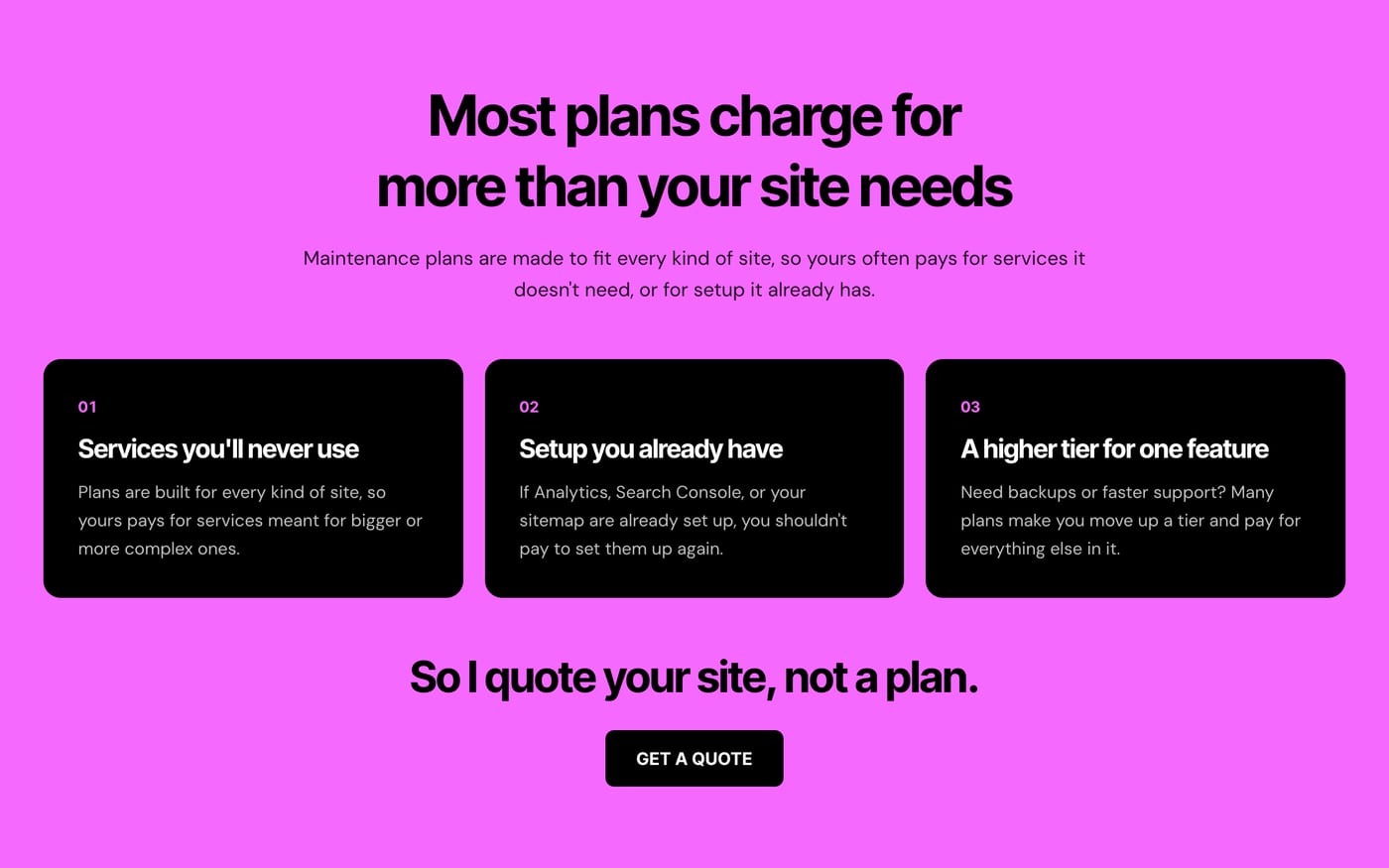
This is the right choice if your site is a store, a membership site, or something that really needs WordPress's ecosystem. Update everything, remove plugins you do not use, put the site on good hosting, and keep it backed up. A maintenance plan can do this for you. I offer WordPress maintenance services for exactly that.
2. Rebuild it on WordPress
Sometimes the problem is how the site was built, not the platform. A rebuild with a lean theme, fewer plugins, and a clean structure can make a WordPress site fast and stable again.
3. Move to custom code
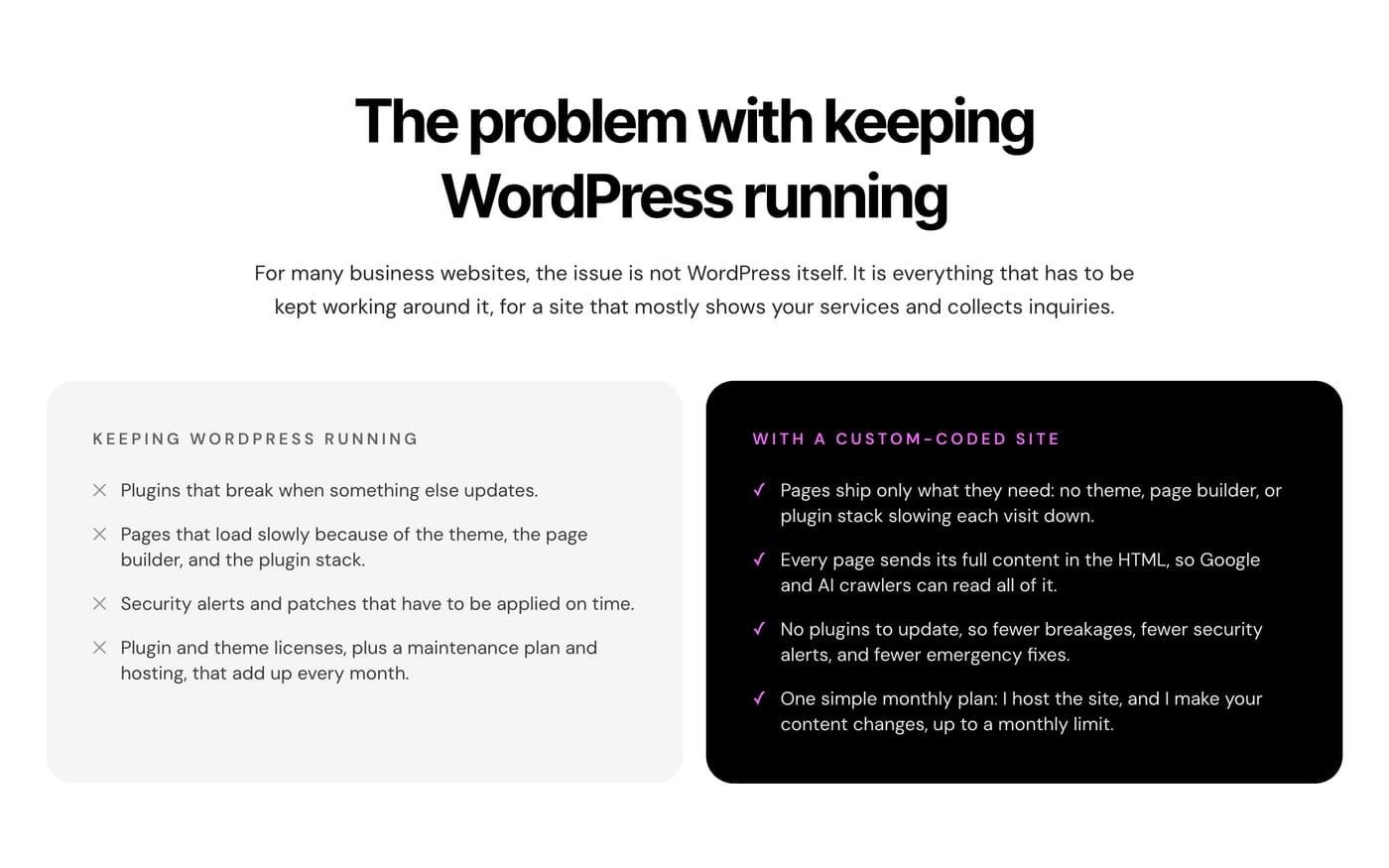
If your site is a company website that mostly shows your services and collects inquiries, you may not need WordPress's ecosystem at all. A custom-coded site is faster and has no plugin stack to patch. I build these, and I move WordPress sites over carefully, with redirects so the search visibility you have earned is protected.
How to decide
Ask yourself:
- What does my site actually need to do?
- How much am I spending to keep it running, all in?
- How often has it broken or been hacked?
- Does the design limit what I can show?
- Will I need to publish content myself every day?
If the answers point to a simple company site with high upkeep, moving to custom code is worth considering. If they point to a store, a membership site, or heavy daily publishing, stay on WordPress and take care of it.
What an outdated site actually costs you
The cost of an old WordPress site is rarely one big bill. It builds up in small ways:
- Time. Every update becomes a chore, and every problem takes longer to fix because of how many pieces are involved.
- Money. Licenses, hosting, a maintenance plan, and emergency repairs recur every month or year.
- Opportunity. Slow pages and an old design cost you inquiries you never see.
- Risk. Outdated plugins and themes are an open door to attackers, and a hacked site costs far more to fix than to prevent.
Adding these up for a year is often the clearest way to see whether the setup is still worth keeping.
A quick audit you can do in ten minutes
You can check your own site without special tools:
- Log in and look at how many updates are waiting. If it is a long list, you are behind.
- Count your plugins, and ask what each one does. Remove the ones you do not need.
- Check when your theme and your main plugins were last updated by their developers.
- Run your homepage through Google's PageSpeed Insights and read the mobile result.
- Open the site on your phone, on mobile data, and notice how long it takes.
- Look at your last year of hosting, license, and maintenance invoices.
- Search Google for your business and see how your listing reads.
If the answers worry you, you know where the work is.
Common questions
Should I switch from WordPress because it is old?
Not for that reason alone. Switch, or rebuild, because of what is happening on your site: it is slow, it breaks, it costs too much, or it limits your design. Age is not the problem.
Will switching platforms hurt my search rankings?
Not if the move is planned. The key is keeping your important URLs or redirecting each old page to its new equivalent, and carrying over the content that ranks. No one can guarantee rankings stay exactly the same, but the risks are known and can be managed.
Can I stay on WordPress and still fix these problems?
Often, yes. A lean theme, fewer plugins, good hosting, and a regular maintenance routine solve many of them. The question is whether that effort is worth it for the kind of site you have.
What I would not do
Do not rebuild a site just because someone says WordPress is old. And do not keep paying for a patchwork of plugins out of habit. Start with what the site needs to do, and what it costs you to keep it doing that, then choose the platform.
A note on numbers
You will see claims online about what share of the web runs on WordPress. I have left them out on purpose, because they change and are easy to quote out of context. What matters for your business is not how many sites use WordPress, but whether it is the right tool for yours.
Want a second opinion?
If you are not sure whether your site needs maintenance, a rebuild, or a move to custom code, tell me about it. I will give you an honest recommendation, even if that means staying on WordPress.
Not sure what your WordPress site needs?
Tell me about your site and what is frustrating you. I'll reply with what I can do for you.
Keep reading
October 19, 2026 · 7 min read
WordPress vs. custom website: Which is better for a business?
WordPress or a custom-coded website? An honest comparison of speed, upkeep, cost over time, and design freedom, and when each one makes sense.
October 19, 2026 · 8 min read
How much does WordPress maintenance really cost?
What WordPress maintenance costs per month, what plans include, what they leave out, and real plan examples checked on October 19, 2026.
October 19, 2026 · 8 min read
Why is my WordPress site so slow?
Why is your WordPress site slow? The most common causes, quick fixes you can try today, and when it makes more sense to rebuild the site.