WordPress to Next.js migration: Process, SEO and cost
How a WordPress to Next.js migration works: auditing, exporting content, mapping URLs, redirects, SEO checks, launch, and what drives the cost.
By SoyabotOctober 19, 20268 min read
In this article
A WordPress to Next.js migration means rebuilding your WordPress site as a custom-coded Next.js site, moving your content and your search visibility with it. Done well, you end up with a faster site that has far less to keep up, and your Google rankings are not thrown away along the way.
This guide walks through how the process works, how SEO is protected, what does not migrate well, and what the cost depends on. It is written from the point of view of someone who does these migrations as a service, described on my WordPress to custom code page.
Why move from WordPress to Next.js
Next.js is a framework for building websites in code. Moving there makes sense when the cost of keeping a WordPress site healthy is higher than the value of the plugin ecosystem you are paying for. The usual reasons are:
- Speed. A coded site ships only what each page needs, with no theme, page builder, or plugin stack.
- Less to maintain. No plugins to patch means fewer breakages and fewer emergency fixes.
- Content that crawlers can read. Each page is rendered on the server and sends its full content as HTML, which Google and AI crawlers that do not run JavaScript can read.
- Design freedom. You are not limited by what a theme or page builder allows.
If you are still deciding, read WordPress vs. a custom-coded website first. This migration is not the right move for every site.
The migration process, step by step
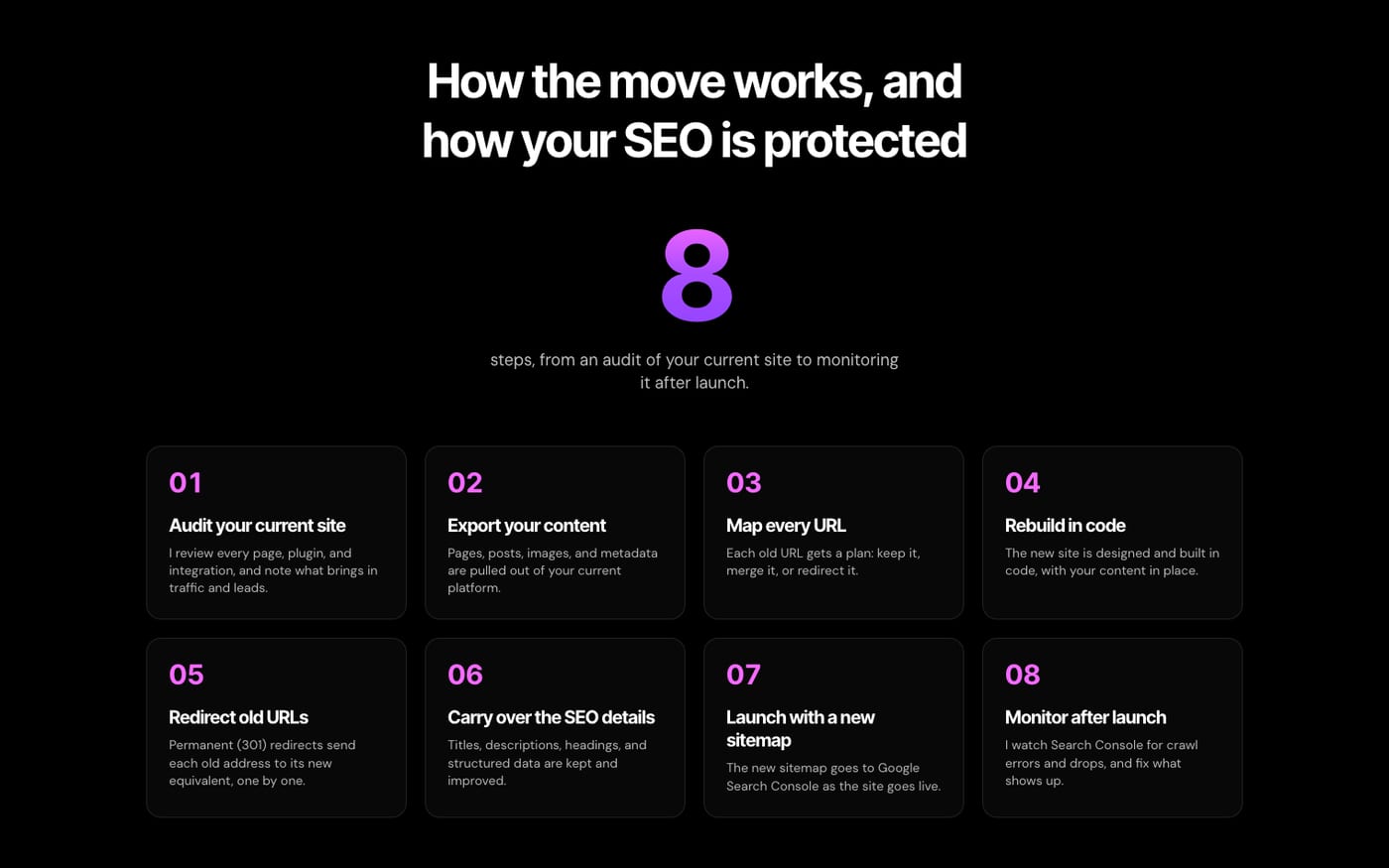
1. Audit the current site
Before anything is rebuilt, I review every page, post, plugin, form, and integration. I note what brings in traffic and leads, what is outdated, and what the site does that must keep working. I also record the current URLs, titles, and descriptions, because they become the baseline for the SEO plan.
2. Export the content
Pages, posts, images, and metadata are pulled out of WordPress. Not everything deserves to come along as it is: thin or outdated pages can be improved, merged, or removed.
3. Map every URL
Each old URL gets a decision: keep it, merge it into another page, or redirect it. This map is the most important document in the migration. It is what keeps visitors and search engines from landing on error pages.
A few rows of a URL map
/services/Keep/services//about-us/301/about//?p=128301/blog/first-post//2019/05/spring-tips/301/blog/spring-tips//category/news/301/blog//old-promo/Merge/services/
4. Rebuild in code
The site is designed and built in Next.js, with your content in place. Your pages, posts, images, and metadata are moved into the new site's codebase, which is kept in a GitHub repository, and the site is deployed on Vercel. The design can follow your current brand or be refreshed, depending on the project.
5. Redirect the old URLs
Every old URL that changes gets a permanent (301) redirect to its new equivalent, one by one. Redirecting everything to the homepage is a common mistake: it throws away the relevance each page earned.
6. Carry over the SEO details
Titles, meta descriptions, headings, image alt text, canonical URLs, and structured data are kept and improved. The new site also gets a fresh XML sitemap and a clean robots.txt.
7. Test, then launch
Before launch I check redirects, forms, links, mobile layouts, and speed. I also confirm that search engines are allowed to index the new site, which sounds obvious and is one of the most common launch mistakes.
8. Monitor after launch
After launch the new sitemap goes to Google Search Console, and I watch for crawl errors, pages that are not indexed, and drops on specific pages. Small movements in the first weeks are normal while Google processes the changes. A steady drop on a page points to a redirect or content issue that gets fixed.
How your SEO is protected
A migration can lose rankings, and the reasons are predictable: URLs change without redirects, content gets thinner, titles and headings disappear, and the new site is blocked from indexing by mistake. Each one has a fix:
- Keep URLs where possible, and redirect the rest with 301s.
- Carry over the content that ranks, improved, not replaced with something thinner.
- Keep the on-page basics: unique titles and descriptions, one H1 per page, a clear heading structure, and image alt text.
- Submit the new sitemap and watch Search Console.
A careful migration protects the visibility you have earned. No one can honestly guarantee that rankings stay exactly the same, and I do not promise that.
What does not migrate well
Some WordPress sites are not good candidates:
- WooCommerce stores. I do not build online stores, and a store is exactly where WordPress's ecosystem earns its keep.
- Membership sites, and sites that depend on many plugins working together, such as courses or bookings.
- Sites with a lot of dynamic, user-generated content.
For those, the better move is to stay on WordPress and keep it well maintained. See my WordPress maintenance services.
What the cost depends on
I do not publish a fixed price, because migrations differ a lot. The main factors are:
- The number of pages and posts that have to be reviewed and moved.
- How much of the design is rebuilt versus refreshed.
- How much content needs work, such as rewriting thin pages.
- The integrations your site relies on, such as forms and analytics.
- The complexity of the URL map, especially on sites with years of posts.
Every project is quoted individually, based on your site. On the other side of the ledger, a coded site removes plugin and theme licenses and most emergency repairs, and it runs on a simple monthly plan that includes hosting and content changes I make for you.
What stays the same, and what changes
A migration changes how the site is built, not what your business is. Your brand, your pages, your content, and your URLs stay recognizable to visitors and to search engines. What changes is underneath: the site stops depending on WordPress, a theme, and a stack of plugins, and starts running on code written for your business.
Before and after the move
On WordPress
- Your brand
- Your pages and content
- Your URLs
- Underneath
- Plugins
- Page builder
- Theme
- WordPress and its database
- Hosting
On custom code
- Your brand
- Your pages and content
- Your URLs
- Underneath
- Code written for your business
- Hosting on Vercel
For you, day to day, that means:
- No WordPress login to manage, and no plugin updates to approve.
- Content changes go through me, within the monthly plan, instead of through the WordPress editor.
- Hosting is handled for you on Vercel, as part of the same plan.
If you need to publish content yourself every day, that is a reason to think carefully before leaving WordPress.
Mistakes that make migrations go wrong
- Skipping the audit. Rebuilding without knowing which pages and plugins matter is how things get lost.
- Changing URLs without a redirect plan. This is the single most common cause of lost rankings.
- Rebuilding the design and forgetting the SEO details, such as titles, descriptions, and headings.
- Forgetting forms and integrations. A contact form that quietly stops working costs real inquiries.
- Launching without monitoring. The first weeks after launch are when fixable problems show up.
Questions to ask before you hire someone
Whoever does the migration, ask:
- Who will do the work, and who will build the new site?
- How will my URLs and search rankings be protected?
- What happens to my content, images, and blog posts?
- What will it cost to keep the site running afterward, and what does that cost include?
- How will you check that redirects, forms, and pages work at launch?
If the answers are vague, keep looking.
What you get at the end
A faster site with the same content, clean redirects from your old URLs, a new sitemap in Search Console, and a monthly plan instead of a pile of plugins to patch. If that sounds like what you are after, the next step is a conversation about your current site.
Thinking about leaving WordPress?
Tell me about your current site and what is not working. I'll reply with what I can do for you.
Keep reading
October 19, 2026 · 7 min read
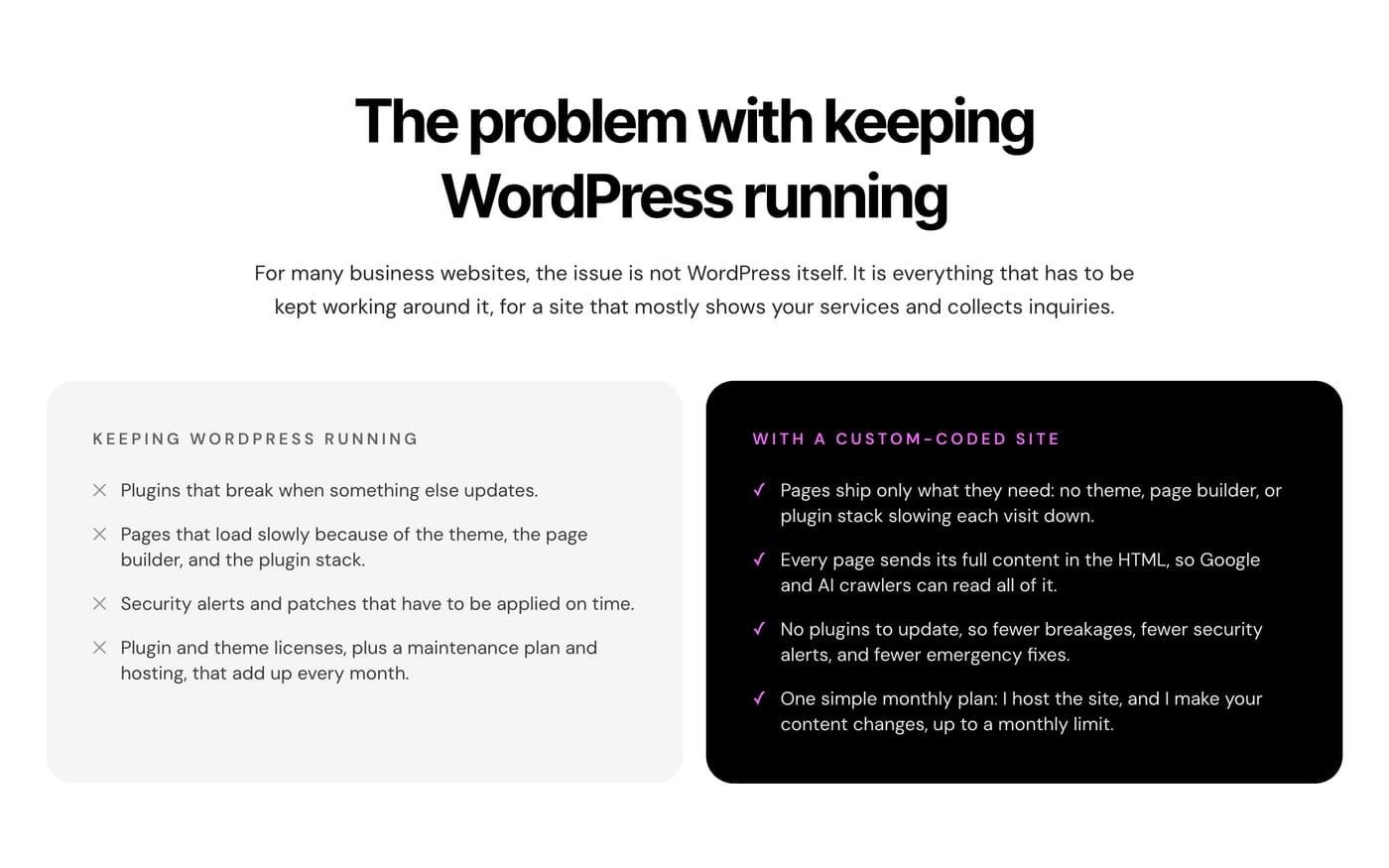
WordPress vs. custom website: Which is better for a business?
WordPress or a custom-coded website? An honest comparison of speed, upkeep, cost over time, and design freedom, and when each one makes sense.
October 19, 2026 · 8 min read
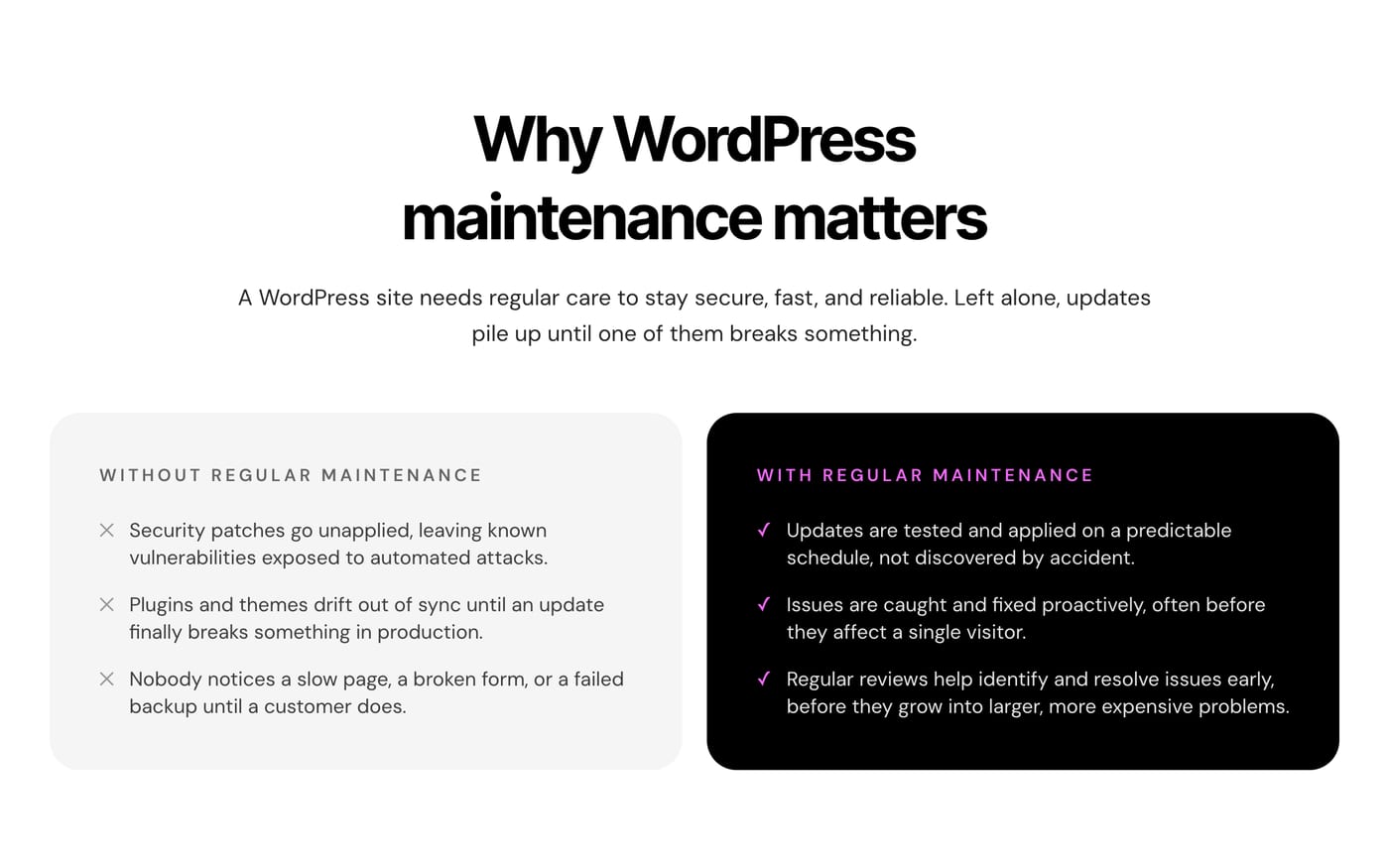
Is WordPress outdated in 2026?
Is WordPress outdated in 2026? An honest answer: what has aged, what has not, signs your own WordPress site is out of date, and your options.
October 19, 2026 · 8 min read
Website redesign SEO checklist: Keep your rankings
Redesigning your website? Follow this SEO checklist to protect your Google rankings and traffic before, during, and after launch.