Why is my WordPress site so slow?
Why is your WordPress site slow? The most common causes, quick fixes you can try today, and when it makes more sense to rebuild the site.
By SoyabotOctober 19, 20268 min read
In this article
A slow website costs you visitors before they read a word. People leave pages that take too long to load, and speed is part of how search engines judge a site. If your WordPress site feels sluggish, especially on a phone, there is almost always a reason, and often more than one.
This guide covers the most common causes, the quick fixes you can try yourself, and when it makes more sense to stop patching and rebuild. If the second case sounds like yours, see my page on moving from WordPress to custom code.
How to measure how slow your site is
Before fixing anything, measure it:
- Google PageSpeed Insights. Enter your URL and read the mobile result, which is the one that matters most.
- Google Search Console. Its page experience and Core Web Vitals reports show how real visitors experience your site.
- Your own phone. Open the site on mobile data, not office Wi-Fi, and notice how long it takes before you can read and tap.
Write down the results. You will want them to compare after changes.
Why is my WordPress site so slow?
These are the usual causes, roughly in order of how often they matter.
1. Cheap or overloaded hosting
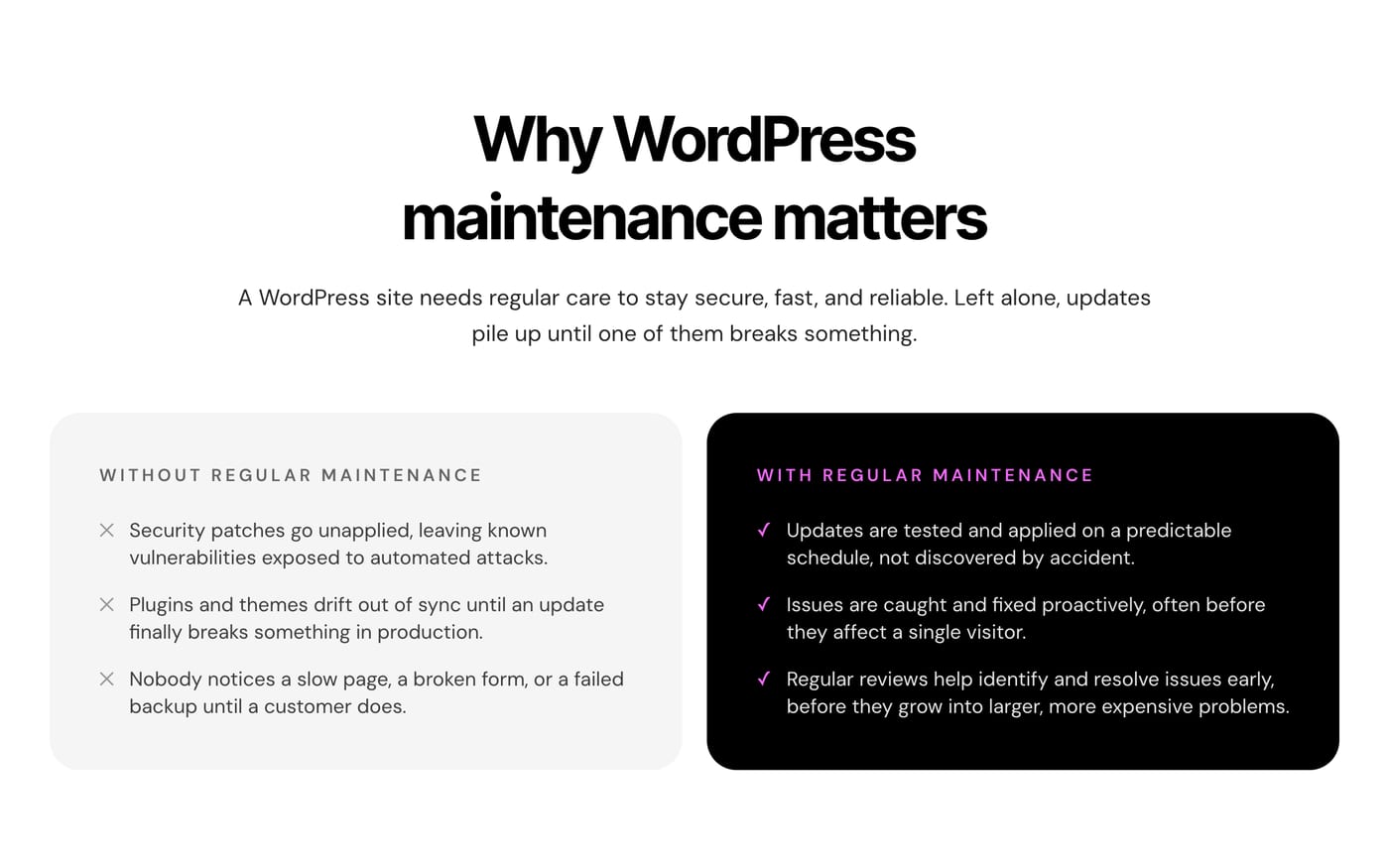
The server your site runs on sets a floor for how fast it can be. Shared hosting with many sites on one server can respond slowly, especially at busy times. If your server is slow to respond, nothing you do to the page itself fully fixes it.
2. A heavy theme or page builder
Many themes and page builders load a lot of code and styles on every page, including features you never use. This weight is built into the design, which makes it hard to remove without changing the theme.
3. Too many plugins
Each plugin can add its own scripts, styles, and database requests. A site with dozens of plugins carries all of that on every page, and poorly written plugins can slow a site down on their own.
4. Large, unoptimized images
Photographs straight from a camera or a stock library can be many times larger than they need to be. Images that are not resized, compressed, or loaded efficiently are one of the most common causes of slow pages.
5. No caching
Without caching, WordPress rebuilds each page from the database on every visit. A caching setup stores finished pages and serves them quickly. Sites without one do more work than they need to.
6. A bloated database
Over the years, a WordPress database collects old revisions, spam comments, expired data, and leftovers from plugins you removed. A cluttered database is slower to query.
7. Third-party scripts
Chat widgets, analytics, tracking pixels, fonts, embedded videos, and social feeds all load from other servers. Each one adds requests, and a slow third party can slow your page.
8. Outdated software
Old versions of PHP, WordPress, themes, and plugins can be slower than current ones, and they carry security risks too.
What a page carries before it is ready
- Third-party scripts
- Large images
- Plugin scripts and styles
- Page builder code
- Theme code and styles
- Database queries
- Server response
A heavy WordPress page
Theme, builder, plugins, extras
- Optimized images
- The page's own code
- Server response
A lean, coded page
Only what the page needs
Quick fixes you can try
Start with the changes that cost little:
- Update everything, and make sure your server runs a current version of PHP.
- Remove plugins you do not use. Deactivate and delete them, not just switch them off.
- Optimize your images. Resize them to the size they are shown at, compress them, and use modern formats.
- Turn on caching. A reputable caching plugin or your host's built-in caching can help a lot.
- Clean the database. Remove old revisions, spam, and expired data, with a backup first.
- Cut third-party scripts. Keep only the ones that earn their place.
- Test again, and compare to your first measurement.
These steps fix many sites. If yours is still slow after all of them, the problem is probably structural.
What "fast enough" means
Speed is not one number, and chasing a perfect score is a trap. A few ideas help:
- Mobile matters most. Most visits come from phones, which have slower processors and weaker connections than a desktop computer.
- What visitors see first matters most. Google's Core Web Vitals measure things like how long the main content takes to appear. Google's published guidance treats a Largest Contentful Paint of 2.5 seconds or less as good.
- Stability matters too. Pages where things jump around while loading feel broken, even when they are quick.
- Real visitors matter more than test scores. A lab test is a guide. Search Console shows how your actual visitors experience the site.
A page loading on a phone
Blank screen
Nothing to read, nothing to tap
Text appears
The text is there, the picture is not
Main content
What Largest Contentful Paint measures
Ready to use
Stable: nothing jumps around
Myths about WordPress speed
- "A caching plugin fixes everything." It helps, but it cannot remove the weight of a heavy theme, large images, or a slow server.
- "More plugins for speed will make it faster." Each one adds its own code. Sometimes a speed plugin slows things down.
- "A high score means a fast site." Scores can be gamed, and a good score on a test does not guarantee a good experience.
- "WordPress is always slow." It is not. A lean WordPress site on good hosting can be quick. It just takes ongoing care.
A short checklist before you spend money
- Measure the mobile speed of your homepage and one inner page.
- Check how many plugins are installed, and remove the ones you do not use.
- Look at the size of your largest images.
- Ask your host how your server responds under load.
- Test the site without third-party scripts to see how much they cost.
- Decide whether the theme or builder is part of the problem.
When fixing is not enough
Some slowness cannot be patched away:
- The theme itself is heavy. Changing it means rebuilding the design.
- The site depends on many plugins that each add weight.
- The hosting is the limit, and better hosting means a bigger bill.
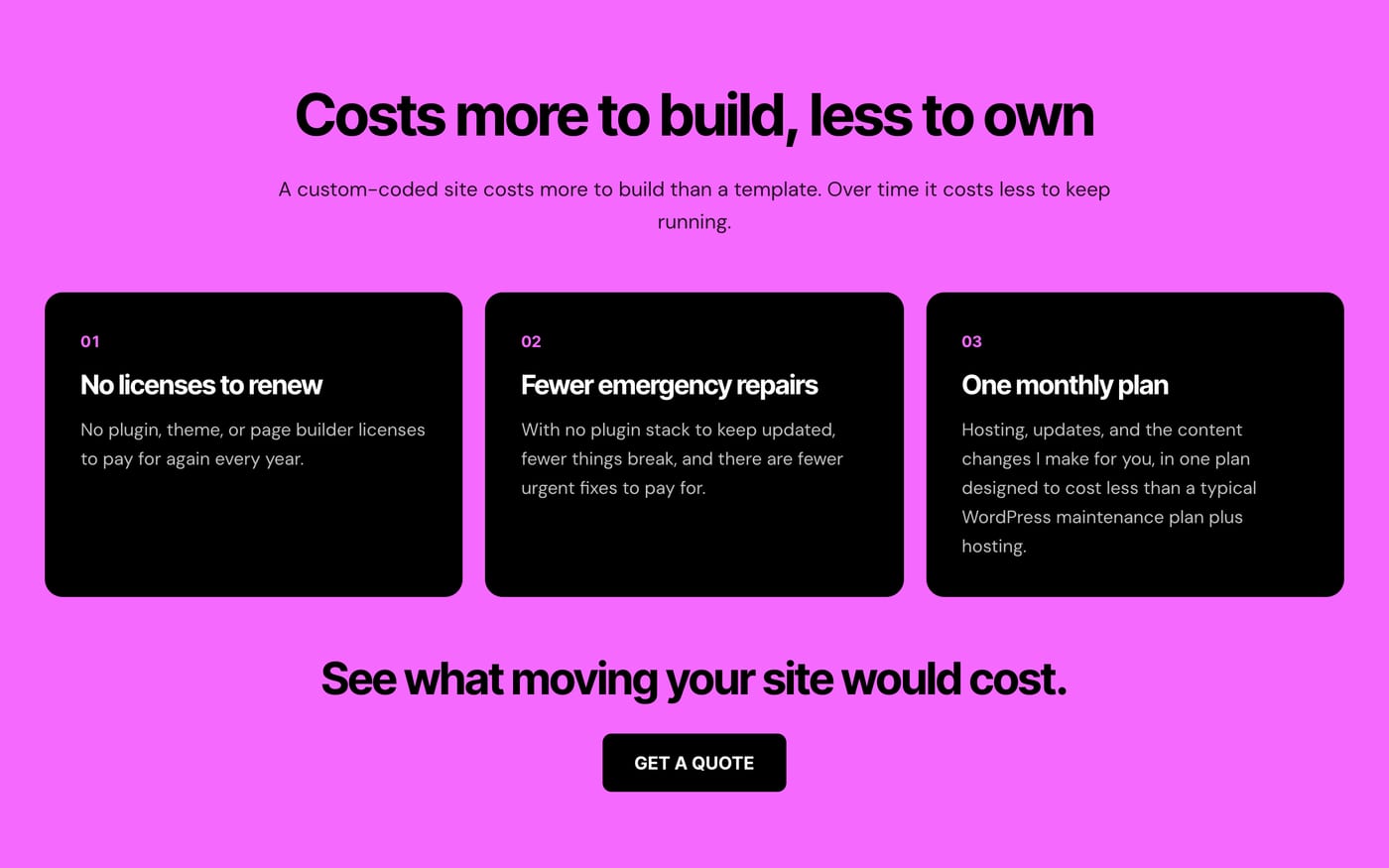
- The cost of keeping it fast keeps rising, month after month.
At that point you are paying more and more to keep an old setup running. A rebuild may be cheaper than endless tuning.
What a faster alternative looks like
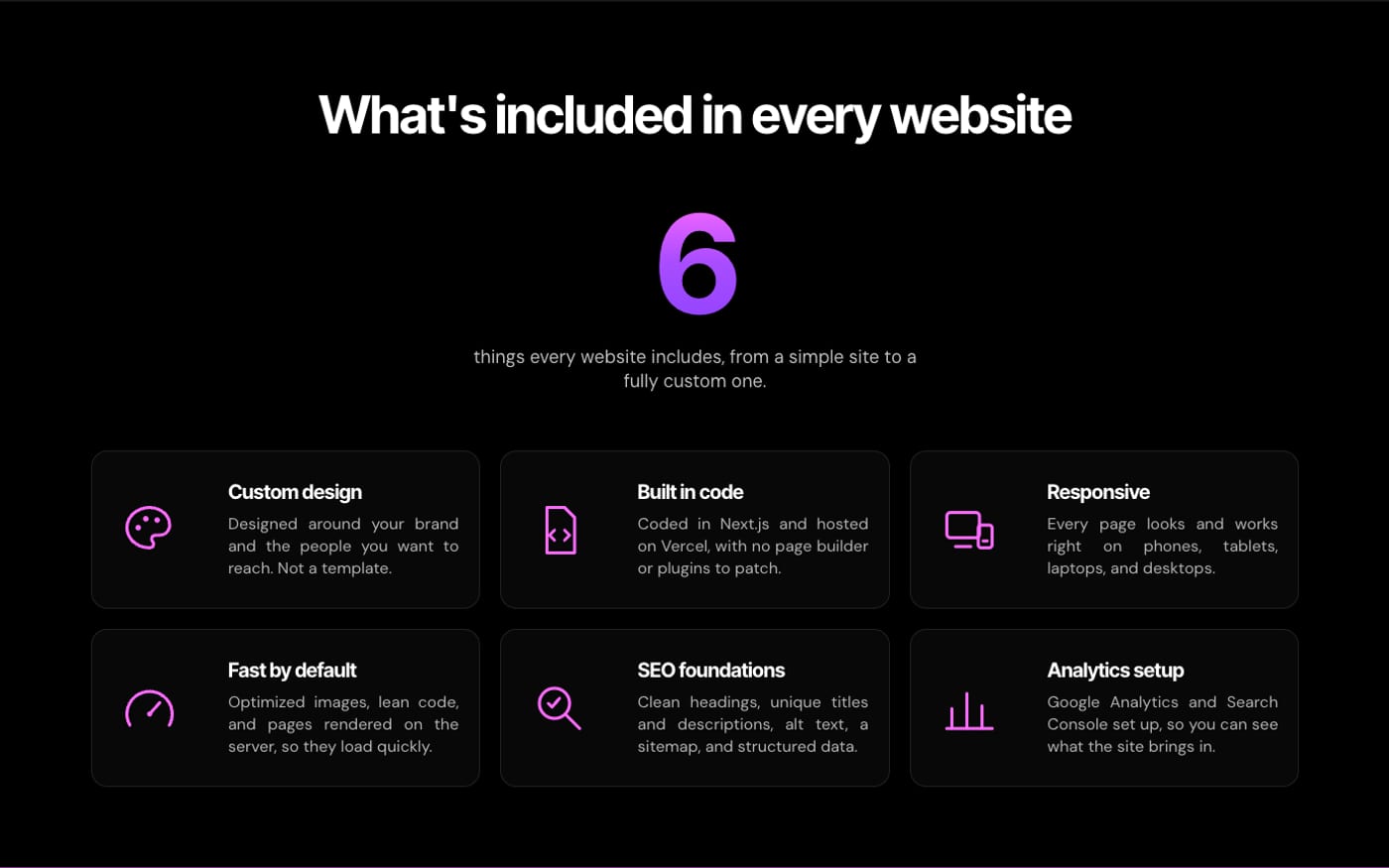
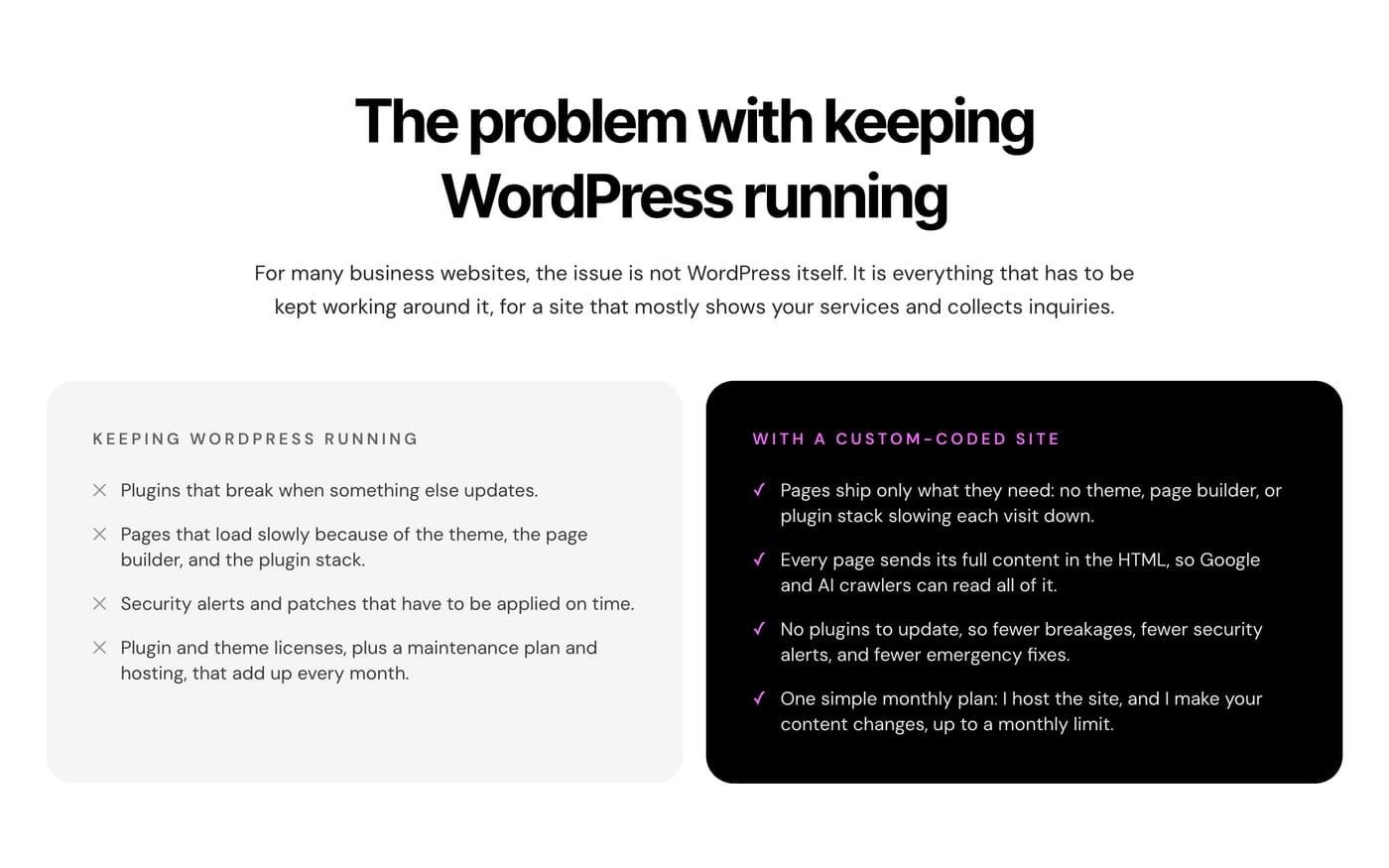
A custom-coded site is fast by default, because each page ships only what it needs. There is no theme, page builder, or plugin stack to carry. Pages are rendered on the server and sent as HTML, which loads quickly and gives search engines the full content.
I build sites this way, and I move WordPress sites over carefully, with redirects, so you keep the search visibility you have earned. I compare the approaches in WordPress vs. a custom-coded website.
How to decide
Ask yourself:
- Did the quick fixes improve the site enough?
- How much time and money do I spend keeping it fast?
- Is the theme or builder the cause, or is it something I can change?
- Does my site need WordPress's features, or does it mostly show my services?
If the quick fixes worked, keep going and maintain the site. If they did not, and the site is a company website, a rebuild is worth considering.
Keep it fast afterward
Speed is not a one-time job. Whatever you do:
- Keep software updated.
- Add images in the right size from the start.
- Think twice before installing a new plugin or script.
- Check your speed every few months.
Tired of a slow WordPress site?
Tell me about your site and what you have tried. I'll tell you honestly whether it can be fixed or needs a rebuild.
Keep reading
October 19, 2026 · 8 min read
Is WordPress outdated in 2026?
Is WordPress outdated in 2026? An honest answer: what has aged, what has not, signs your own WordPress site is out of date, and your options.
October 19, 2026 · 8 min read
Static website vs. WordPress
Static website or WordPress? What each one is, how they differ in speed, security, cost and editing, and which fits a business website.
October 19, 2026 · 7 min read
WordPress vs. custom website: Which is better for a business?
WordPress or a custom-coded website? An honest comparison of speed, upkeep, cost over time, and design freedom, and when each one makes sense.