Signs you need a website redesign
Nine clear signs it is time for a website redesign, from slow pages to a site that brings in no inquiries, and what to do about each one.
By SoyabotOctober 19, 20267 min read
In this article
- 1. It looks dated next to your competitors
- 2. It is slow, especially on phones
- 3. It does not work well on mobile
- 4. Updating it is a hassle
- 5. It does not bring in inquiries
- 6. Your business has changed, but the site has not
- 7. It keeps breaking, or shows security warnings
- 8. It is hard to find on Google
- 9. You are embarrassed to share it
- Redesign or refresh?
- What to ask yourself before you decide
- What a redesign should fix
- Will a redesign hurt my Google rankings?
- How to check your own site in ten minutes
- How often should a business redesign its website?
- What it costs to wait
- What to do first
Most business websites do not fail all at once. They fall behind a little at a time: slower, harder to update, less convincing next to a competitor's site. Because it happens gradually, it is easy to miss how much the old site is quietly costing you.
Here are nine signs that it is time for a redesign, what each one means, and what to do about it. If several of them sound familiar, my website design and redesign services are built for exactly this situation.
1. It looks dated next to your competitors
Visitors judge your business by your website within seconds. If your site looks like it was built a decade ago, people assume your business works the way it did a decade ago, even when that is not true.
Open your top three competitors' sites next to yours. If yours looks like the oldest one, that is the first sign.
2. It is slow, especially on phones
Slow pages lose visitors before they see what you offer, and speed is part of how Google evaluates a site. If your pages take several seconds to load on a phone, you are paying for that in lost inquiries every day.
Try your site on your own phone, on mobile data, not on office Wi-Fi. If you notice the wait, your visitors do too.
3. It does not work well on mobile
Most visits now come from phones. Text that is too small, buttons that are hard to tap, and pages that need sideways scrolling all push people away. A site that was adapted for mobile as an afterthought usually shows it.



4. Updating it is a hassle
If changing a phone number, adding a photo, or publishing a new page means chasing a developer or learning a complicated system, your website is working against you. Everyday changes should be quick and easy to get done.
5. It does not bring in inquiries
A website should produce calls, messages, or sales. If people visit but rarely contact you, the problem is usually unclear messaging, a confusing layout, or a contact path that is hard to find. These are design problems, and design can fix them.

6. Your business has changed, but the site has not
New services, a new audience, a new brand, a bigger team. If your website still describes the business you were years ago, it sends the wrong people away and confuses the right ones.
7. It keeps breaking, or shows security warnings
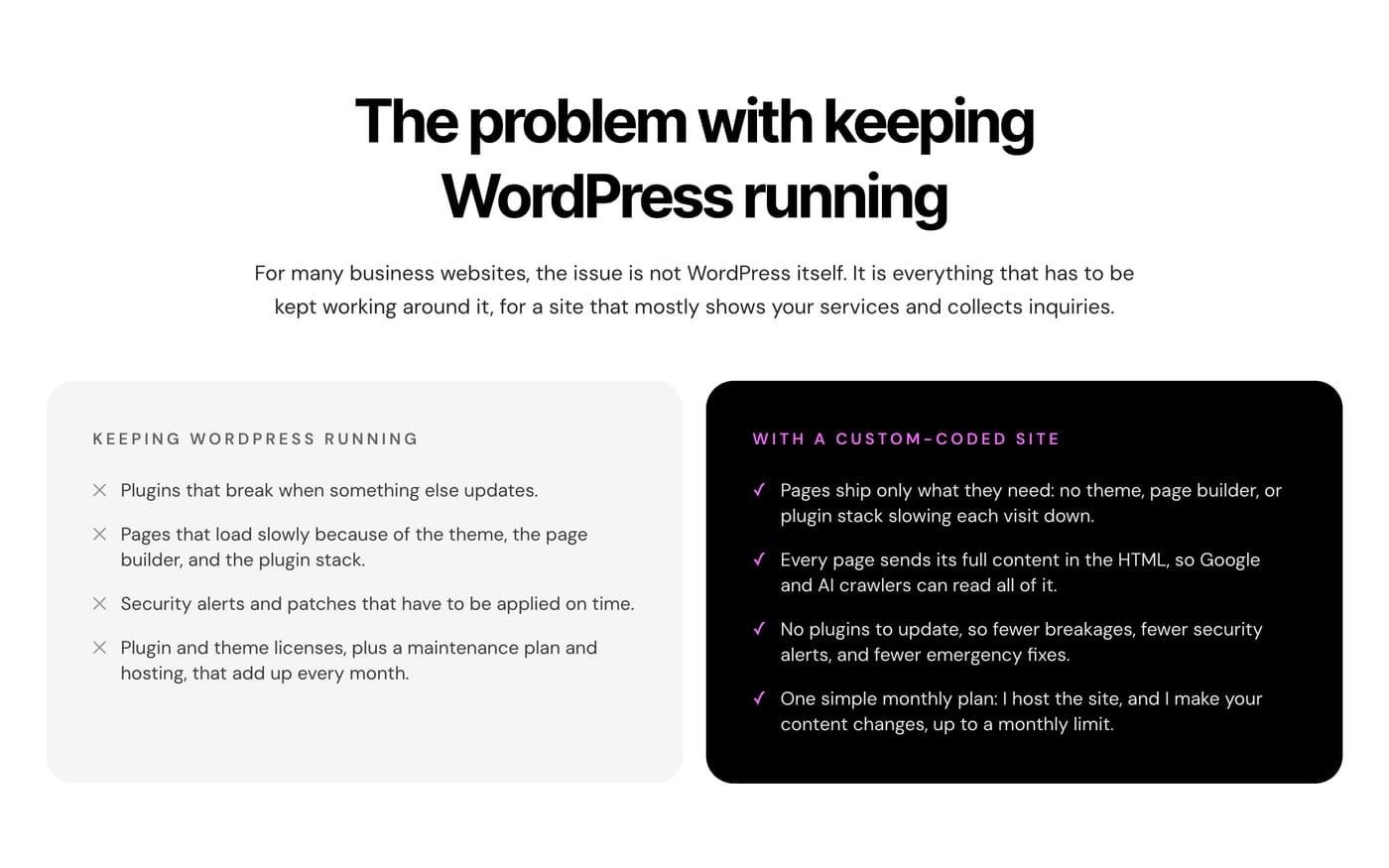
Browser warnings, broken forms, error pages, or a site that was hacked once already are serious signs. On WordPress sites, outdated plugins and themes are a common cause, and patching them forever can cost more than replacing the site. See how I move sites from WordPress to custom code if that sounds like your situation.
8. It is hard to find on Google
If your site does not show up when people search for what you do, it may be missing the basics: clear page titles and descriptions, a sensible heading structure, fast load times, and a structure search engines can understand. Many older sites were never set up for search at all.
9. You are embarrassed to share it
This one is simple. If you hesitate to send your website to a potential client, it is not doing its job. Your site should be something you are proud to point people to.
Redesign or refresh?
Not every problem needs a full redesign. A refresh updates the look and some content on top of the existing structure. A redesign rethinks the design and the structure. A rebuild replaces the site's foundation, for example moving from a patchwork of plugins to custom code.
A rough guide:
- If the site works and only looks tired, a refresh may be enough.
- If it is slow, hard to update, or does not bring in business, a redesign is the better bet.
- If the platform itself is the problem, such as constant breakage or high upkeep, a rebuild is worth considering.
I will tell you honestly which one your site needs, including when the answer is "just a few fixes."
What to ask yourself before you decide
Signs tell you something is wrong. These questions tell you how urgent it is:
- Is the site costing you business right now? Inquiries that never arrive and visitors who leave quickly are signs that it is.
- Would you be comfortable sending it to your best prospect today? If not, the cost of waiting is already real.
- Could the problems be fixed in place, or are they built into the foundation? Slow pages caused by a heavy theme, for example, are hard to fix without rebuilding.
- What do you want the site to do in the next two years? A redesign is the moment to plan for new services, new audiences, and growth.
What a redesign should fix
A good redesign is more than a new coat of paint. It should leave you with a website that:
- Looks current and makes your business look as good as its work.
- Loads fast on every device.
- Is simple to keep up, without a pile of plugins to patch.
- Is set up to be found, with clean SEO foundations from day one.
- Brings in inquiries, with clear messaging and an obvious next step for visitors.
Will a redesign hurt my Google rankings?
Not if it is done carefully. The key is keeping the URLs of your important pages, or redirecting each old page to its new equivalent, and carrying over the content that already ranks. Handled that way, a redesign often improves search visibility, because the new site is faster and better structured. No one can guarantee exact rankings, but the risks are known and every one of them can be prevented.
How to check your own site in ten minutes
You do not need special tools to see whether your site has these problems:
- Phone test. Open it on your phone on mobile data. Time how long until you can read the page, and try to tap every button.
- Speed check. Run your homepage through Google's free PageSpeed Insights and read the mobile result.
- Competitor comparison. Put your site next to your top three competitors' sites and ask which one you would hire.
- Search check. Search for what you do plus your city or industry. Do you appear? Is your listing clear?
- Inquiry check. Count how many messages or calls the site brought in over the last three months.
How often should a business redesign its website?
There is no fixed schedule. A well-built site can serve a business for years, and a poorly built one can be out of date in months. The better question is whether the site still does its job: loading fast, looking like your business today, and bringing in inquiries. When it stops, it is time.
What it costs to wait
An outdated website rarely announces itself. The cost shows up as inquiries that never arrive, visitors who leave without a word, and the time you and your team spend working around the site's limits. Waiting does not make a redesign cheaper, but it can make the problem bigger, because the longer an old site stays up, the more content and pages have to be sorted out later.
What to do first
- List what bothers you most about the current site.
- Look at how it performs on a phone.
- Note which pages bring in traffic and inquiries today, so they are protected.
- Talk to someone who can tell you honestly what it needs.
Seeing your site in this list?
Tell me about your current website and what is not working. I'll give you an honest take on whether it needs a redesign or just a few fixes.
Keep reading
October 19, 2026 · 8 min read
Website redesign SEO checklist: Keep your rankings
Redesigning your website? Follow this SEO checklist to protect your Google rankings and traffic before, during, and after launch.
October 19, 2026 · 7 min read
WordPress vs. custom website: Which is better for a business?
WordPress or a custom-coded website? An honest comparison of speed, upkeep, cost over time, and design freedom, and when each one makes sense.

October 19, 2026 · 8 min read
Website redesign cost in 2026
What a website redesign costs depends on scope, content, design, and integrations. Here is what drives the price and how to budget for it.